Use a spare Android phone as an SMS gateway
The phone in your drawer can text for your scripts and AI agents, from your own number, and setting it up takes a few minutes.
Sparetext
6 min read · Oct 31, 2026
There's probably an Android phone in a drawer near you. It still charges, it still takes a SIM, and it can still send a text, which is most of what an SMS gateway does.
Then one day a script of yours needs to text someone. A booking reminder, a "the server is down", a sign-in code. You look up SMS APIs and suddenly you're renting a number, registering a sender and paying for every text, all to send a few hundred messages a month.
There's another way: put the old phone to work. Here's how to use an Android phone as an SMS gateway with Sparetext, what it's good for, and where it stops being a good idea.
Why your own phone
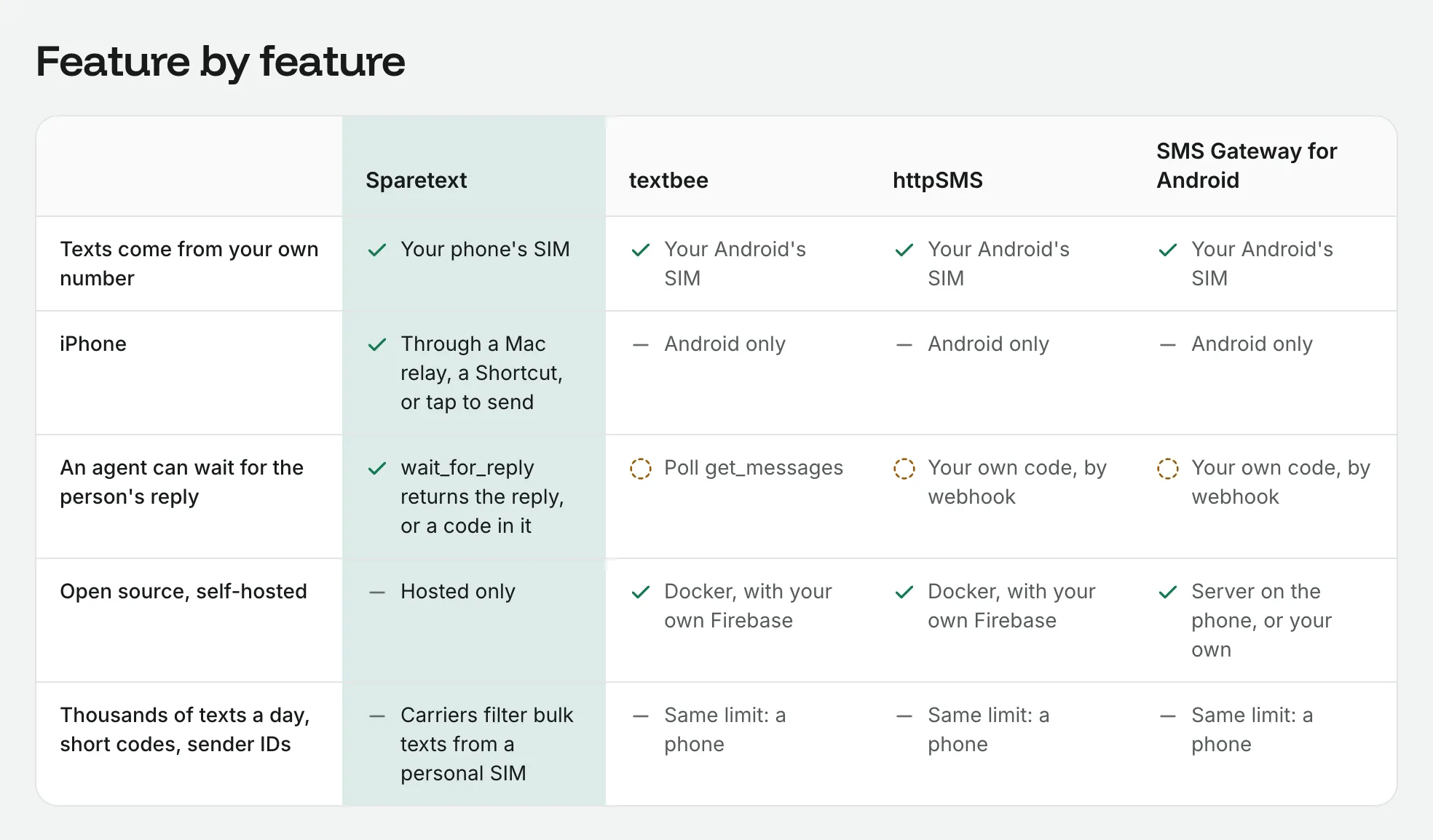
Texts come from your own number. People see a number they know, and they can reply to it or call it back. Their replies land in your dashboard, your code or your AI agent.
There's no number to rent and no fee per text to us. Your carrier plan pays for the texts, and a bundle usually makes them cheap. There's no sender to register either, which matters more than it sounds. We build Sparetext in Addis Ababa, where registering a sender ID is slow and costly, and a local SIM simply reaches local numbers. Amharic works too.
How it works, in one breath
The app runs as a foreground service (the little "Sparetext is on" notification), which is how Android lets an app keep working in the background. Your code calls our API, and we queue the text and wake the phone. If the phone has Google's push service, the wake goes through that, and the phone also checks in once a minute in case a wake gets lost.
The phone sends the text from its own SIM and reports back: sent when the radio takes it, delivered when the carrier confirms, or failed with the reason in plain words. Replies travel the other way. If you like the details, here's one text from start to finish.
Setting it up
You need a phone on Android 8 or newer, a SIM with a texting plan, and Wi-Fi or mobile data. Then:
- On the phone, open the download page and tap Download for Android. Sparetext isn't on the Play Store yet, so Android asks you to allow installs from your browser, and Play Protect may warn you. The download page walks through each warning.
- Open Sparetext, tap Get started, and allow SMS and notifications. When it asks to run in the background, tap Allow, so Android doesn't pause it.
- In the dashboard, open Phones › Add phone and click Pair above the QR code. In the app, tap Scan QR code. The phone shows Online within seconds.
- Make a key on the API keys page and send your first text:
curl -X POST https://sparetext.dev/api/v1/messages \
  -H "x-api-key: $SPARETEXT_API_KEY" -H "content-type: application/json" \
  -d '{"to": "+15550100042", "text": "Hi Dana, your table for 2 is ready at 7."}'
The answer comes back at once with the text's id and the status queued, and a few seconds later the phone sends it. On our test phone, a Samsung Galaxy M13 with two Ethio telecom SIMs, a short text went from queued to sent in 8 seconds and was delivered 4 seconds after that.
What it's good for
- Reminders and updates to people who know you: "your table is ready", "your order shipped", "see you tomorrow at 9:30".
- One-time codes from your own number. Verify sends a code and checks it in two API calls, and a code goes ahead of anything already waiting.
- Alerts for you or your team: a server that went down, a build that finished, a freezer that got warm in Home Assistant.
- An AI agent that texts. Claude, ChatGPT and other agents connect to our MCP server, send a text, and wait for the reply.
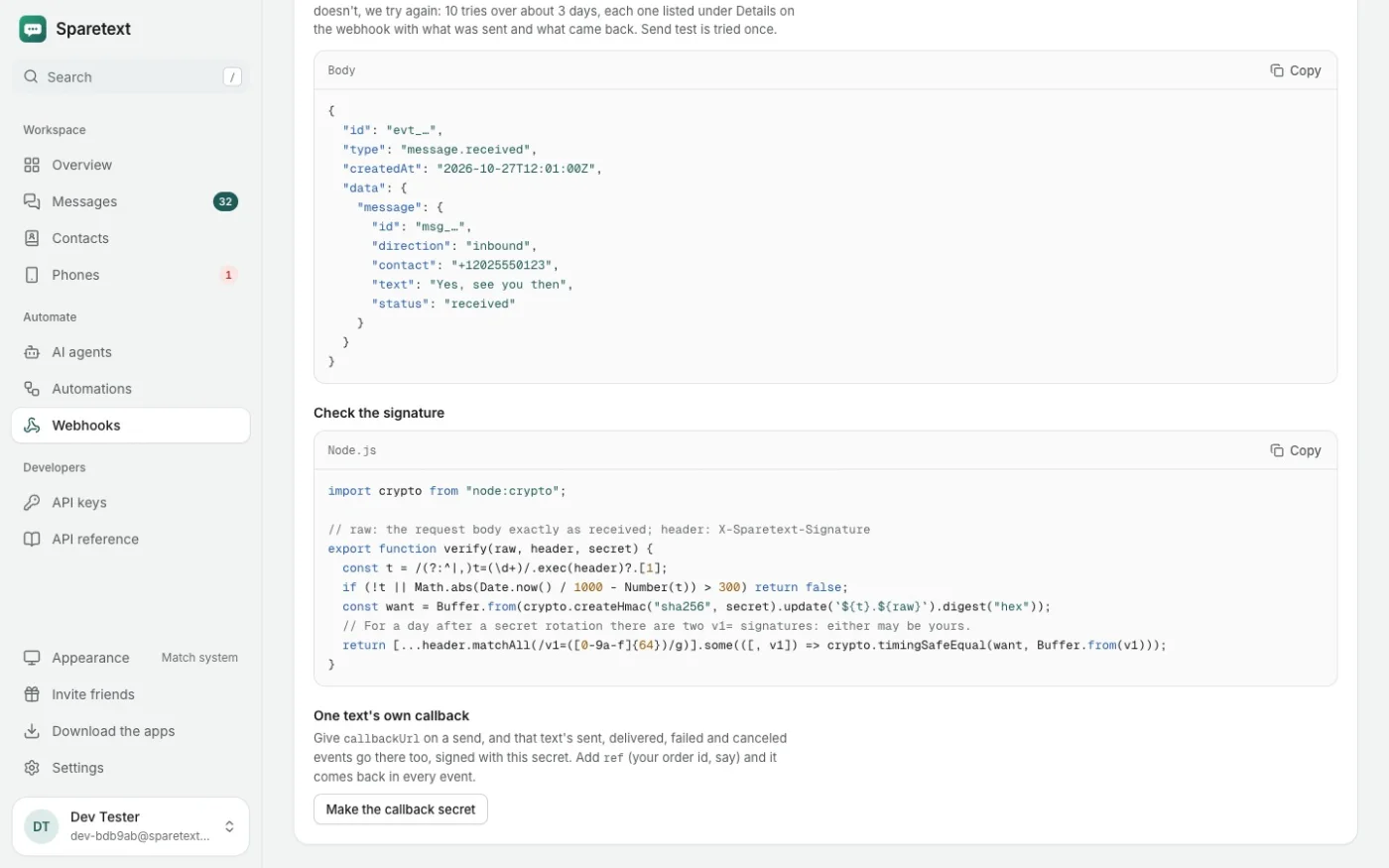
- Replies that do something. Each text the phone gets can reach your server as a signed webhook, or an automation can answer it, forward it or email it to you.
- Calls you missed. Turn on Missed calls for the phone, and an automation can text the caller back from the same number.
What it's not for
Here's the honest part. A personal SIM is for people who know you. Carriers watch personal numbers for texts sent by software (A2P traffic, in their words) and can filter or block a SIM that sends a lot of it. A few hundred texts a day from one SIM can be enough.
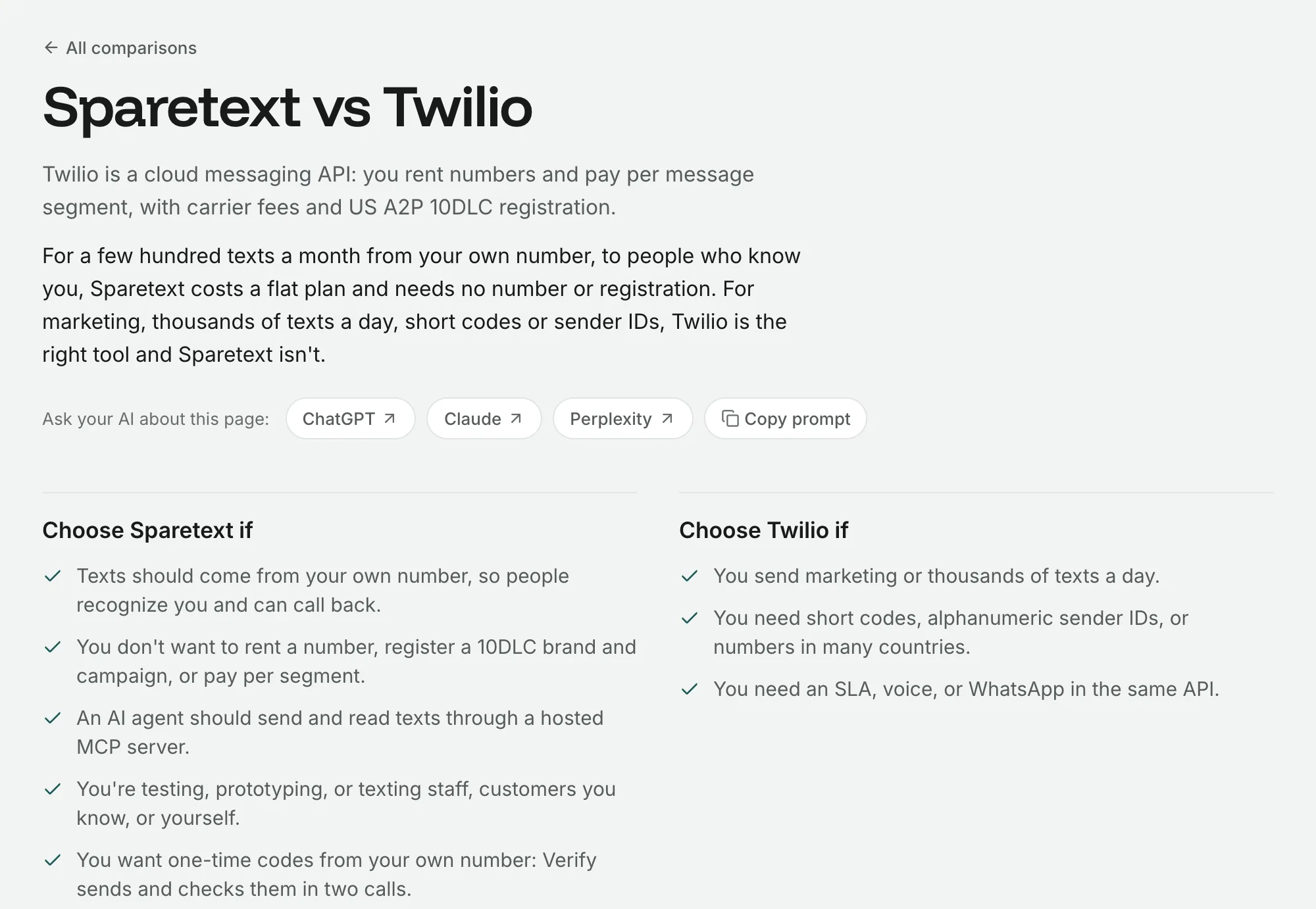
So for marketing to thousands of people, short codes or a branded sender ID, use a registered SMS provider. We say the same thing on our comparison pages, and we mean it.
To keep a phone on the right side of that line, you can give it caps for an hour and a day, and sending hours, so nobody gets a text at 3 am. A reply of STOP opts a number out, and Sparetext won't text it again until they reply START.
The surprises we hit, so you don't
Android's speed limit. Android lets an app send 30 SMS parts a minute. Go over it and the next text waits behind a dialog asking whether to let the app keep sending. On a phone in a drawer, nobody taps Allow.
So the app counts every part and paces itself under the limit. When we gave the M13 a burst of 50 texts, exactly 30 went out in the first minute, the rest waited their turn, and all 50 were delivered without a single dialog.
Phone makers. Samsung, Xiaomi, Huawei and others stop background apps harder than Android itself does. The app shows the settings to change for your phone's maker, and it's worth the two minutes.
Lost signal. If the radio refuses a text because there's no service or airplane mode is on, the phone holds it and tries again for up to 30 minutes. It only does that when nothing went out, so nobody gets a text twice. In our airplane mode test, three held texts went out 5 to 8 seconds after it was switched off.
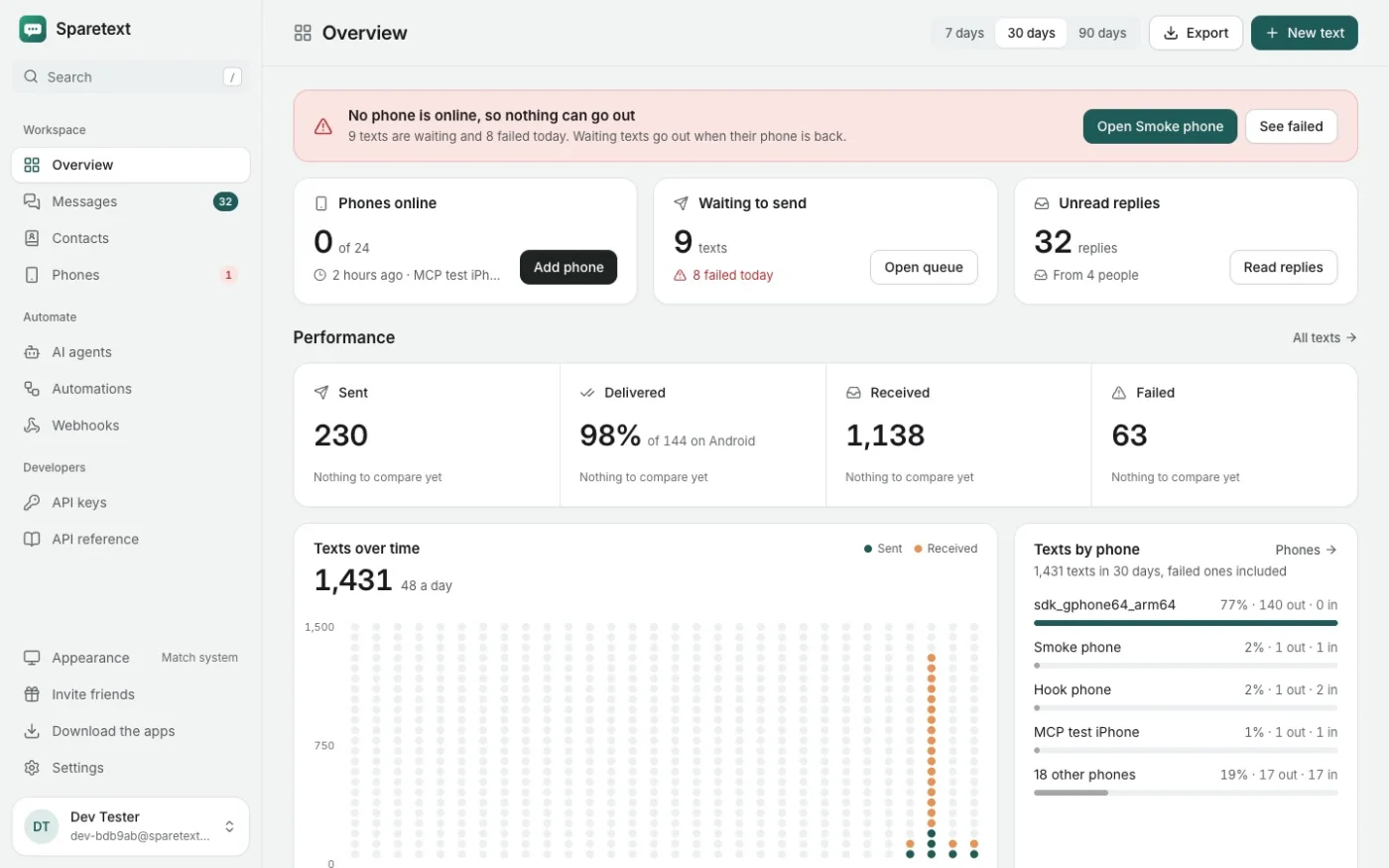
Restarts. After a restart with a screen lock, Android keeps Sparetext stopped until someone enters the PIN. The app leaves a note on the lock screen saying so, and texts wait on the server meanwhile. If the phone goes quiet while texts are waiting, the Overview says so in red.
RCS. If the phone's messaging app has RCS chats on, someone with RCS may reply as a chat, and chats never reach Sparetext. The app warns you while they're on and opens the setting to turn them off.
Your bank texts too. A new phone saves replies only from people you've texted, so bank codes and personal texts stay on the phone. If customers text you first, switch the phone to Everyone.
One phone or five
Every feature is on both plans; they only differ in how much. Free is 1 phone and 300 texts a month. Pro is 5 phones and 10,000 texts a month, and with two phones you can turn on failover, so texts go from whichever one is online. Pricing shows what Pro costs.
Your next step
Go find the phone. Charge it, put in a SIM, and open the download page on it. It'll be texting for you before your coffee gets cold.
androidsms gatewaygetting started
Try it with the phone you have
Free for 1 phone and 300 texts a month. Pair it in about two minutes.
Responses
Sign in or create an account to respond.