A Twilio alternative for texts to people who know you
Your own phone beats a carrier API at some jobs and loses at others, and here's how to tell which job is yours.
Sparetext
5 min read · Oct 31, 2026
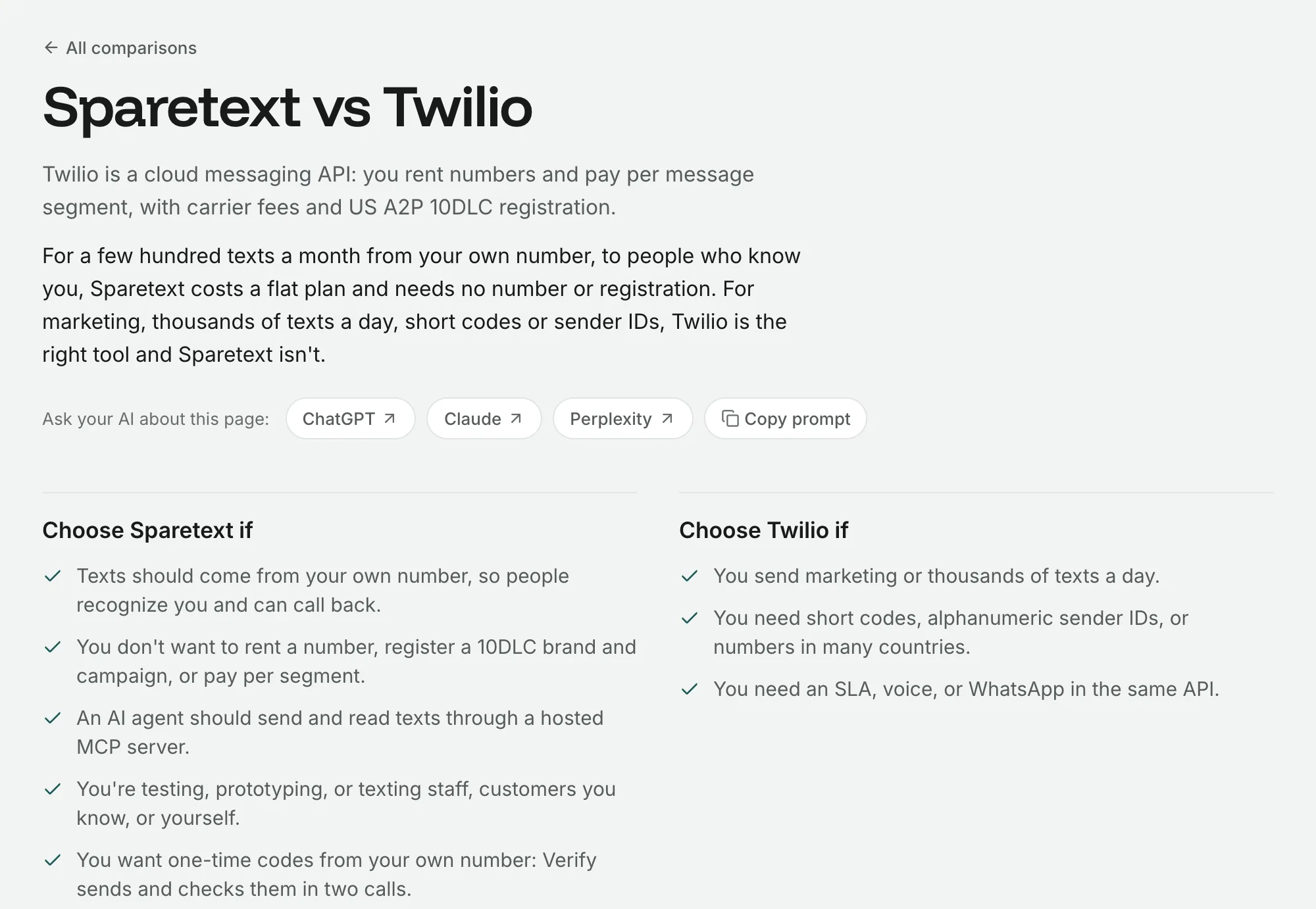
Here's an odd thing to read on the Sparetext blog: for a lot of people, Twilio is the right answer. For a lot of others, it's a rented number, a registration form and a charge for every text, all for messages that could just come from the phone in their pocket.
So here's how to tell which group you're in, from someone who sells the other option. I'll try hard to be fair, and you can check me: every Twilio price below comes from their own pages, as we read them on 30 October 2026.
The difference is where the text comes from
Twilio is a cloud messaging API. You rent a number from them, your code calls their API, and the text goes out over the routes carriers sell for business messaging. You pay for every segment you send, plus carrier fees, plus a monthly fee for the number.
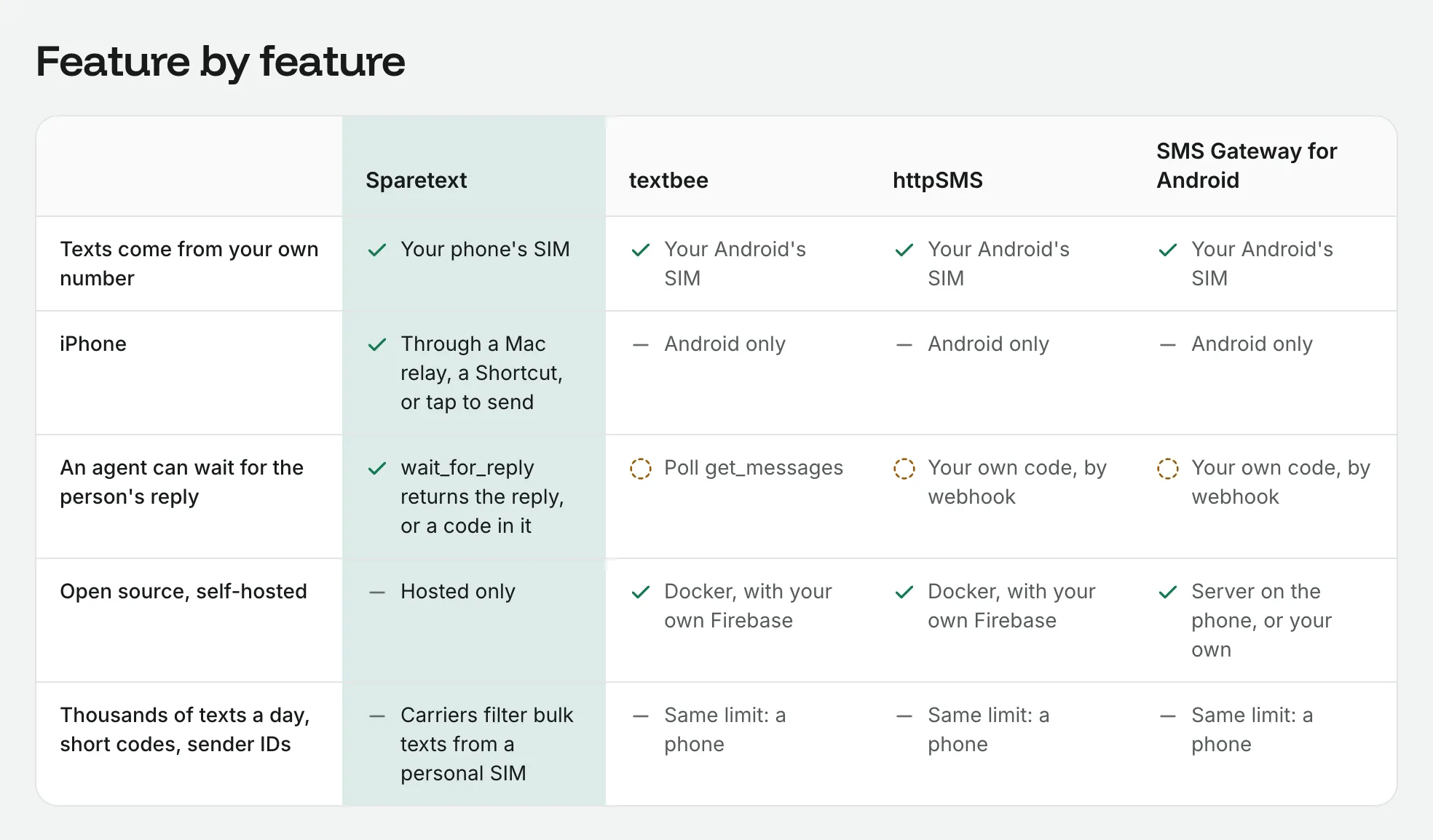
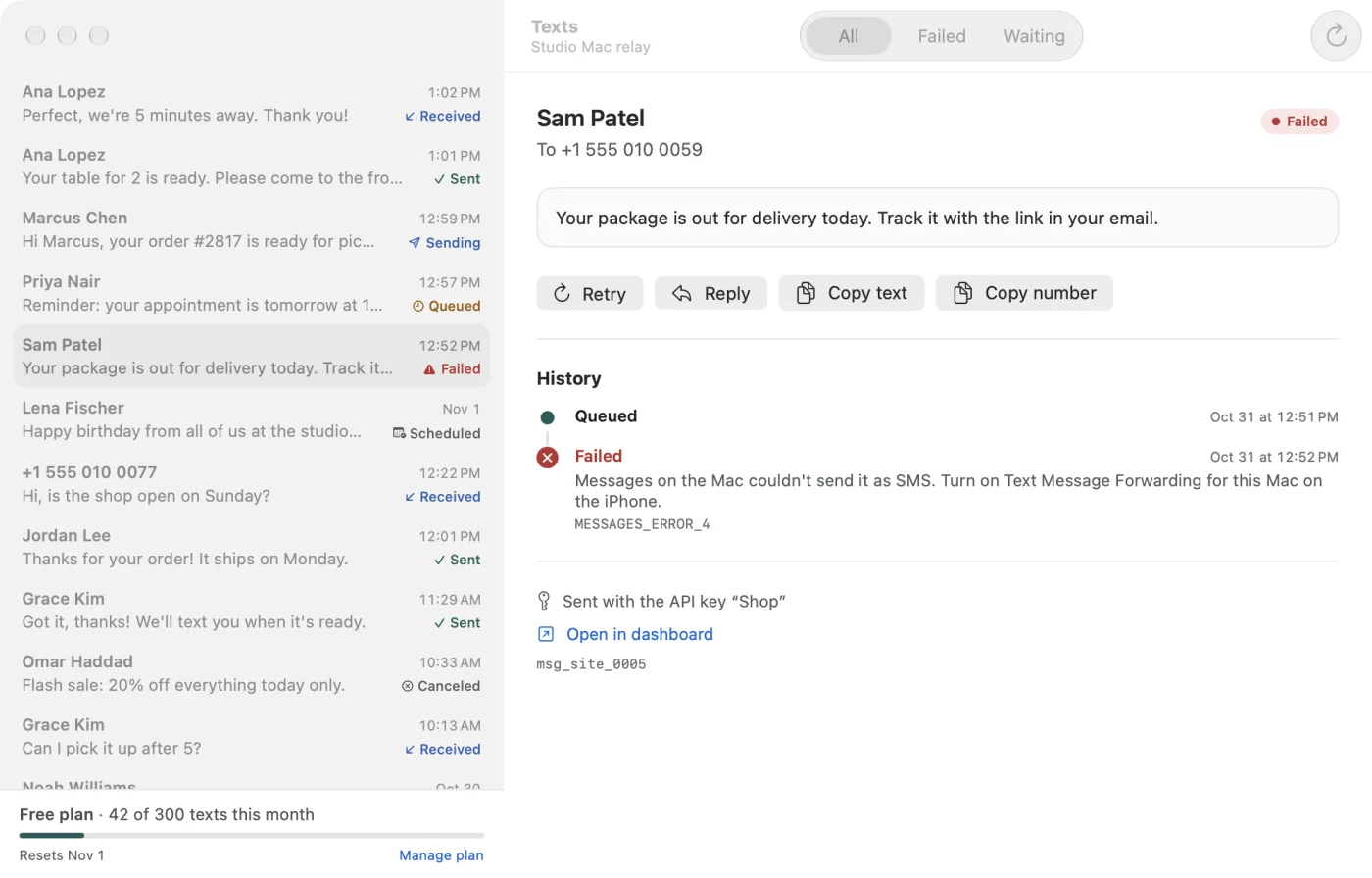
Sparetext doesn't have numbers. Your phone does. You pair an Android phone, or an iPhone through a Mac or a Shortcut, then your code calls our API and the phone sends the text from its own SIM. People see your number, the one they may already have saved, and when they reply, the reply comes back to you. The text goes on your carrier plan, and we charge nothing per text.
What a few hundred texts cost on each
Say you send 300 texts a month to people in the US, each one short enough for a single segment.
On Twilio that's $0.0083 a segment, plus $0.0035 to $0.005 in carrier fees, so about $3.54 to $3.99 for the month, and the number is $1.15 a month on top. Honestly, that's cheap, and I won't pretend otherwise.
The bigger cost is the registration. To text US numbers from an ordinary 10-digit number, carriers want it registered under A2P 10DLC first: a brand (from $4.50) and a campaign ($15 to vet it, then $1.50 to $10 a month). The brand is your business, the campaign is what you'll send, and it's vetted before your first text goes out. To try things first, Twilio's free trial gives you 100 texts, to numbers you've verified.
On Sparetext, Free is 1 phone and 300 texts a month, and Pro is 5 phones and 10,000 texts a month (Pricing has Pro's price). There's no number to rent and no registration step, because the number is already yours. The whole side-by-side is on Sparetext vs Twilio.
No registration step is not the same as no rules
This part matters, so I'll be blunt. Under the US carriers' rules (CTIA's Messaging Principles), texts a business sends by software count as A2P, application to person, even when they leave from a phone. Carriers can filter them, and your phone plan's terms may limit them. Sparetext skips the registration form. It doesn't skip the carriers.
So text people who expect to hear from you: customers who booked something, your staff, your own alerts, a code someone just asked for. When someone replies STOP, Sparetext stops texting them until they reply START. For marketing to people who never asked, use a registered provider.
When your own phone wins
- People know the number. They can save it, reply to it and call it back. A rented number is a stranger until it proves otherwise.
- You're building or testing. Pair the phone on your desk and you can text any number within minutes. Free has no time limit and needs no card.
- An AI agent does the texting. Sparetext is a hosted MCP server: add it to Claude or ChatGPT as a connector, sign in, and the assistant can text someone and wait for the reply. Twilio's MCP server is an open-source alpha that you run yourself, with your own keys.
- You send one-time codes. Verify sends a code from your own number and checks what the person types, in two calls, much like Twilio's Verify.
- Sender IDs are hard where you live. In some countries, getting a branded sender ID is a project of its own. Your own SIM needs none. (Hello from Addis Ababa.)
When Twilio wins
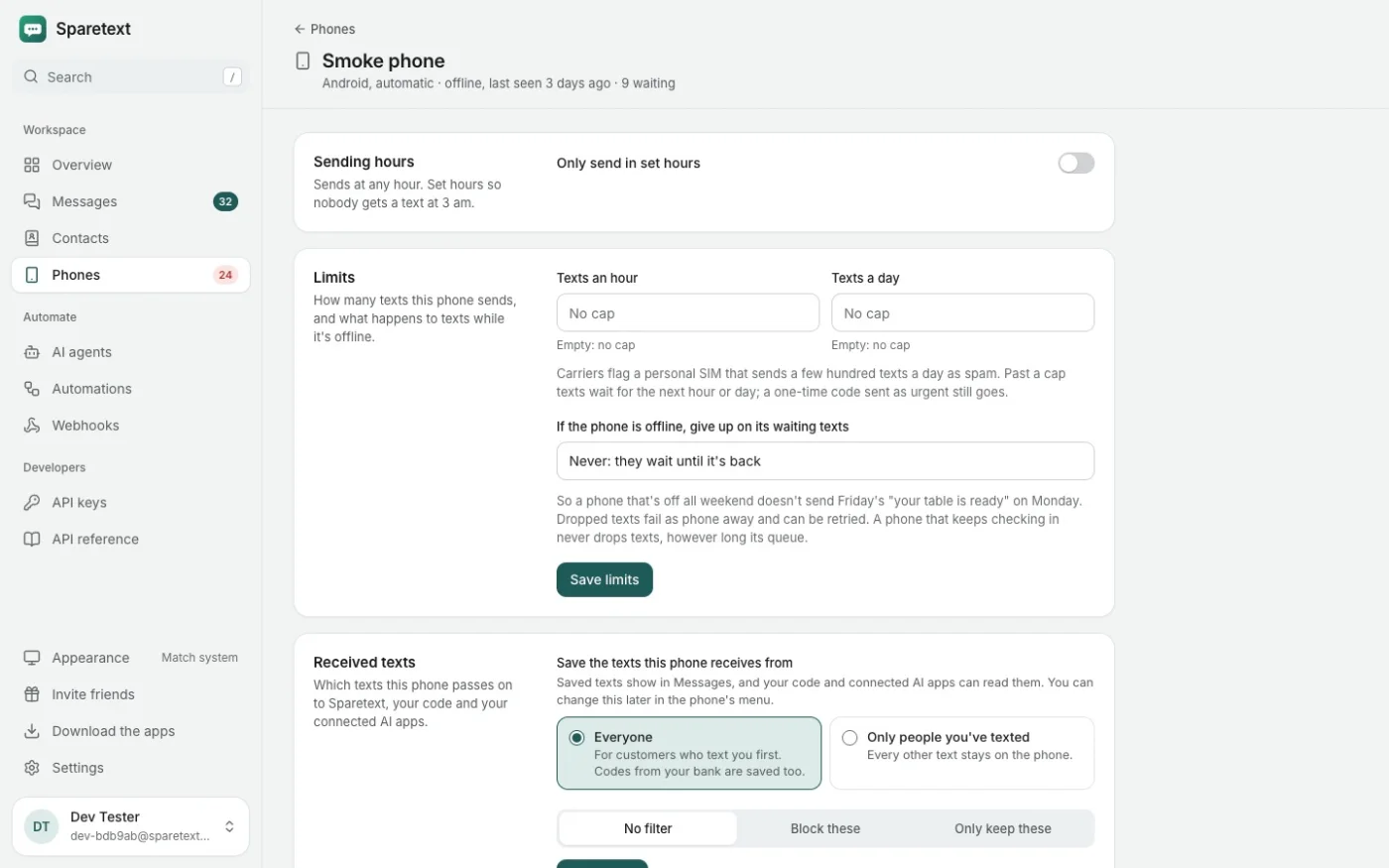
A phone is still a phone. Android lets an app that isn't your default texting app send 30 SMS parts a minute, and carriers start filtering a personal SIM that sends a few hundred texts a day. We pace texts under the first limit and let you cap each phone under the second, but no setting turns a SIM into a bulk route.
So pick Twilio, or another registered A2P provider, when:
- You send marketing, or thousands of texts a day.
- You need a short code, an alphanumeric sender ID (your brand's name where the number goes), or numbers in many countries.
- You want an SLA, voice calls or WhatsApp in the same API.
And please don't try to beat the filters with ten phones. Spreading volume over many numbers so each one stays under the filters has a name, snowshoeing, and carriers treat it as spam. If you need volume, you need a registered route, and Twilio sells a good one.
The same one-time code, both ways
If you're moving code over, the request barely changes: who, what, and a status to check afterwards. Here's Twilio:
curl -X POST https://api.twilio.com/2010-04-01/Accounts/$TWILIO_SID/Messages.json \
  -u "$TWILIO_SID:$TWILIO_TOKEN" \
  --data-urlencode "To=+15550100042" \
  --data-urlencode "From=+15550100099" \
  --data-urlencode "Body=Your code is 481920"
And here's Sparetext. There's no From, because the phone is the sender. The ttl gives the text five minutes: if it hasn't gone out by then, it fails as expired instead of arriving after the code is useless.
curl -X POST https://sparetext.dev/api/v1/messages \
  -H "x-api-key: $SPARETEXT_API_KEY" -H "content-type: application/json" \
  -d '{"to": "+15550100042", "text": "Your code is 481920", "ttl": 300}'
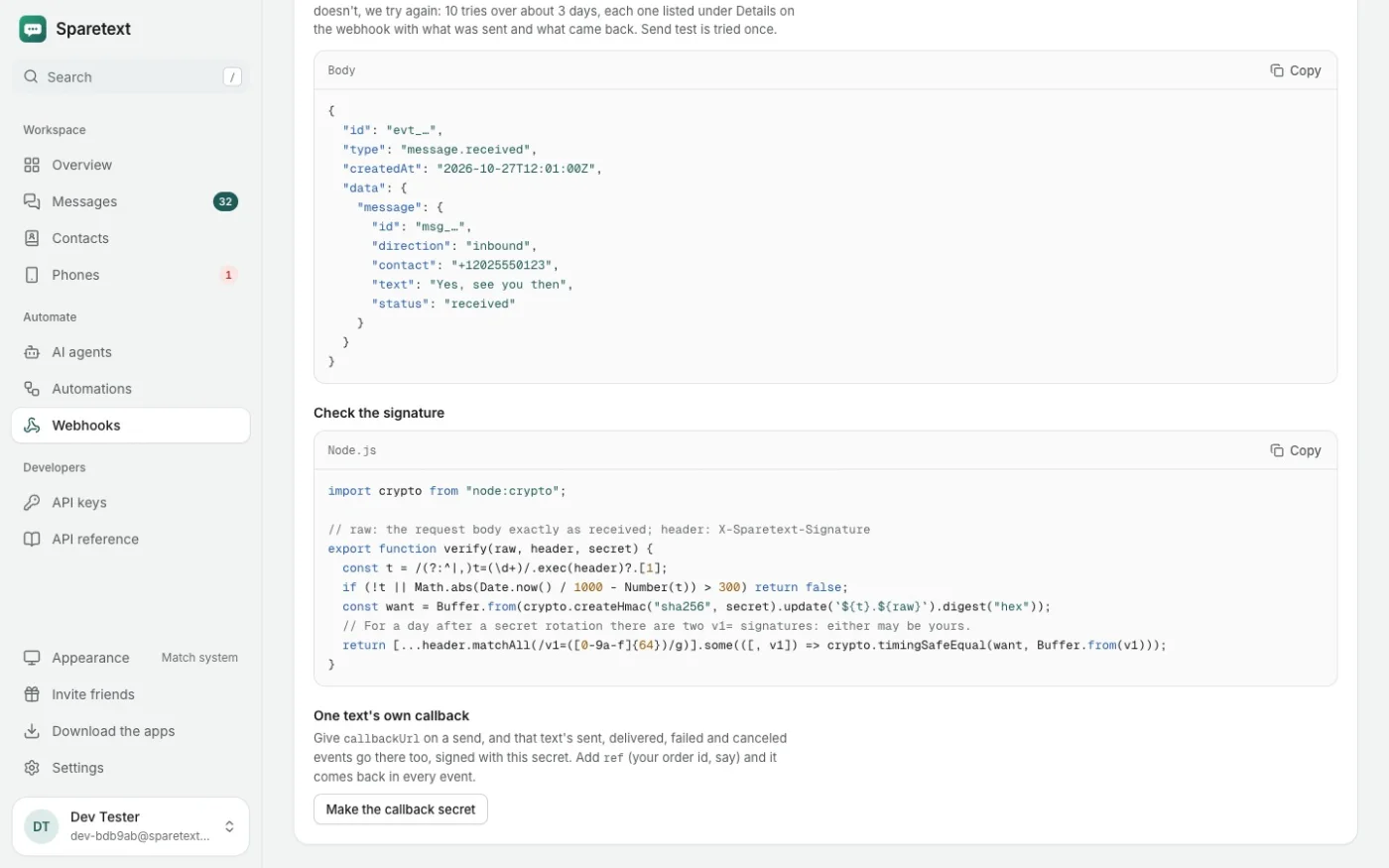
A few more things will feel familiar from Twilio. Each text can carry a callbackUrl for its status updates, like StatusCallback. You can switch on replies to STOP, START and HELP, and smart encoding, which swaps curly quotes for plain ones so a text stays GSM-7. And an automation can text back whatever your webhook answers.
So, which one?
If your texts go to people who know you, and a few hundred a day is plenty, your own phone is simpler: no number to rent, no form to fill in, and replies land in the same thread. If they go to thousands of strangers, or need your brand's name on them, use Twilio and don't feel bad about it. I'd rather you pick the right tool and keep trusting what we write.
If you're in the first group, try it today: sign up, pair the phone on your desk, make an API key, and send the curl above to your own number. When the phone in your hand buzzes with a text from itself, you're done.
twiliocomparisonsa2p 10dlcsms api
Try it with the phone you have
Free for 1 phone and 300 texts a month. Pair it in about two minutes.
Responses
Sign in or create an account to respond.