Android SMS gateway apps compared, by someone who makes one
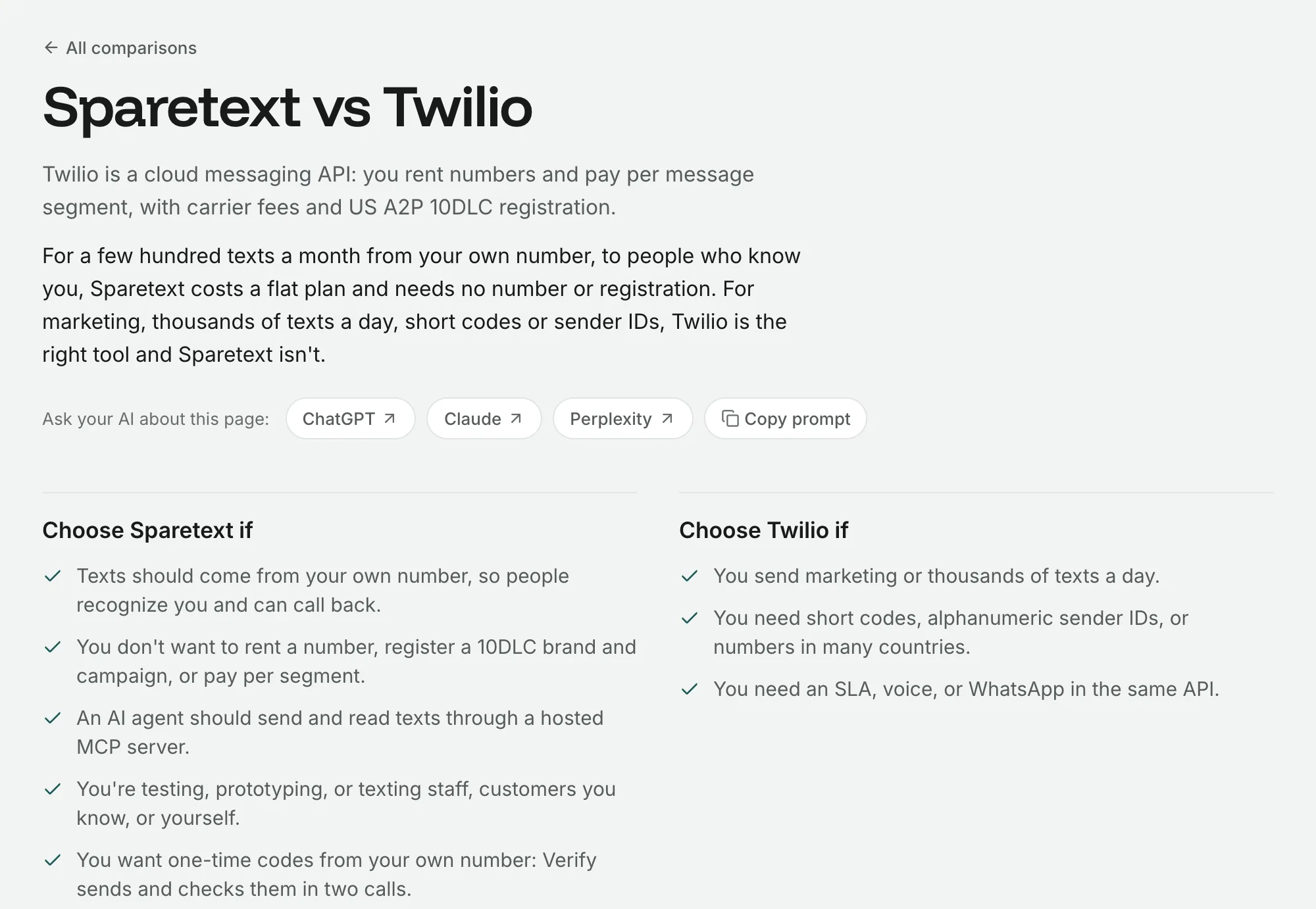
We read textbee, httpSMS and SMS Gateway for Android next to Sparetext and wrote down where each one wins, not only where we do.
Sparetext
6 min read · Oct 31, 2026
Android has a limit that every SMS gateway app runs into, and we got it wrong too. An app that isn't your default texting app may hand the radio 30 SMS parts a minute, and past that, the next text waits behind a dialog asking whether to allow it, on a phone nobody is holding.
We dug into it properly while reading three other Android SMS gateway apps next to ours: textbee, httpSMS and SMS Gateway for Android. Here's what we learned, starting with where they're better than us.
How we compared them
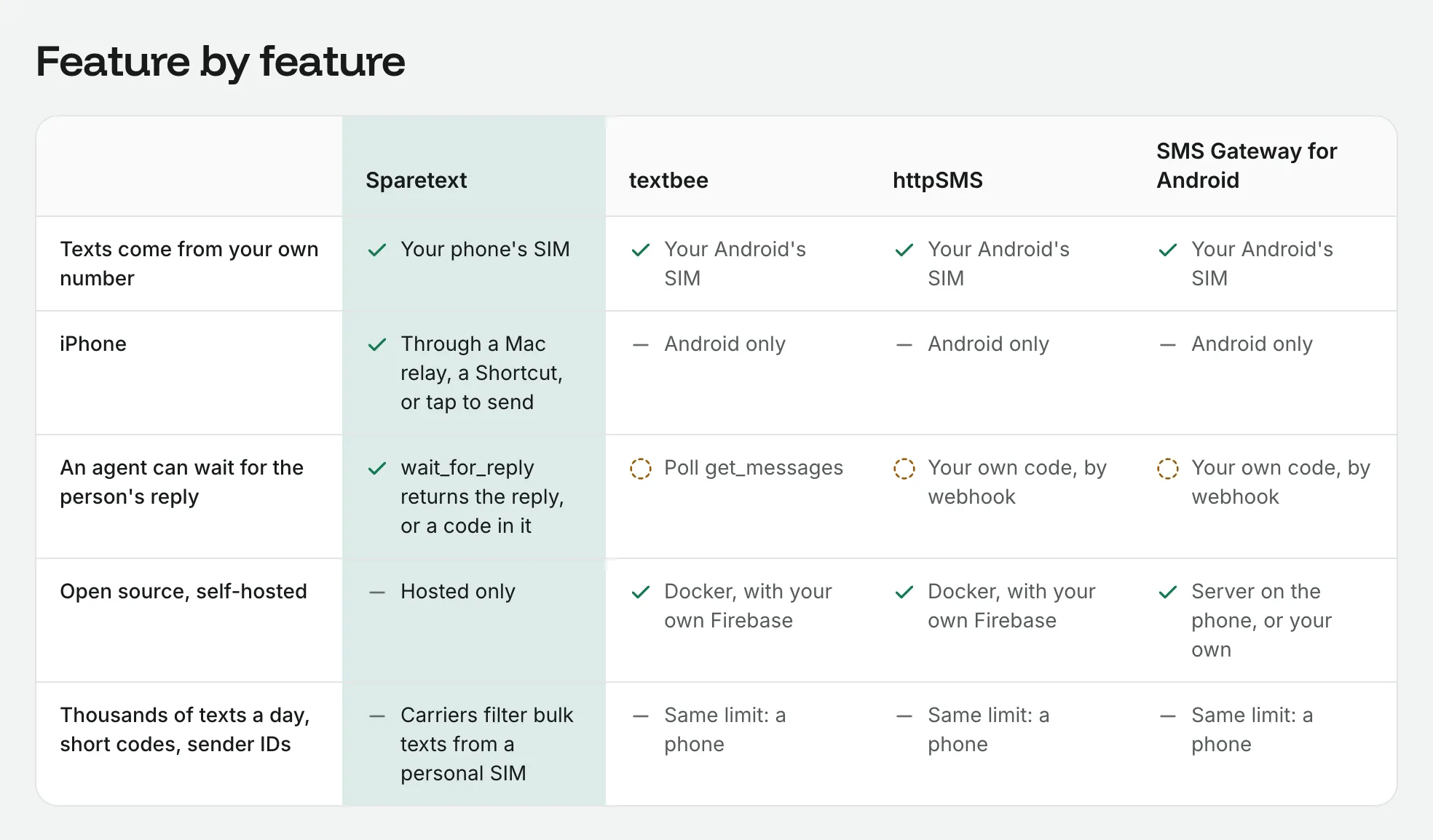
We read each app's source code on GitHub on 28 October 2026, then their sites, docs and pricing again on 30 October. We didn't install them or sign up, so anything you'd only see by running them is left out. The short version of all this is the table on our comparison page.
Quick introductions. textbee is an open-source Android SMS gateway with a hosted dashboard and a REST API. httpSMS is an open-source Android app and API, with end-to-end encryption by passphrase. SMS Gateway for Android can run a server on the phone itself, or use a cloud or private server. All three are Android only.
Where they're better
If one of these matters most to you, you can stop reading here and go use them. Honestly.
- Open source and self-hosting. All three publish their code. You can run textbee or httpSMS on your own server with Docker and your own Firebase project. Sparetext is hosted only.
- No cloud at all. SMS Gateway for Android can run an HTTP server on the phone itself. If texts must never leave your network, it's the one to pick.
- More from the radio. SMS Gateway sends data SMS and rotates SIMs, round robin or random. We do neither.
- More room, free or paid. SMS Gateway's free cloud server only asks you to get in touch above 10,000 texts a day. textbee has a Scale plan with 15 phones, and our biggest public plan has 5.
- Libraries. textbee has SDKs for JavaScript and Python, and SMS Gateway has libraries for JavaScript, Python, Go and PHP. We have a REST API, an OpenAPI file and a command-line tool, and SDKs are still on our list.
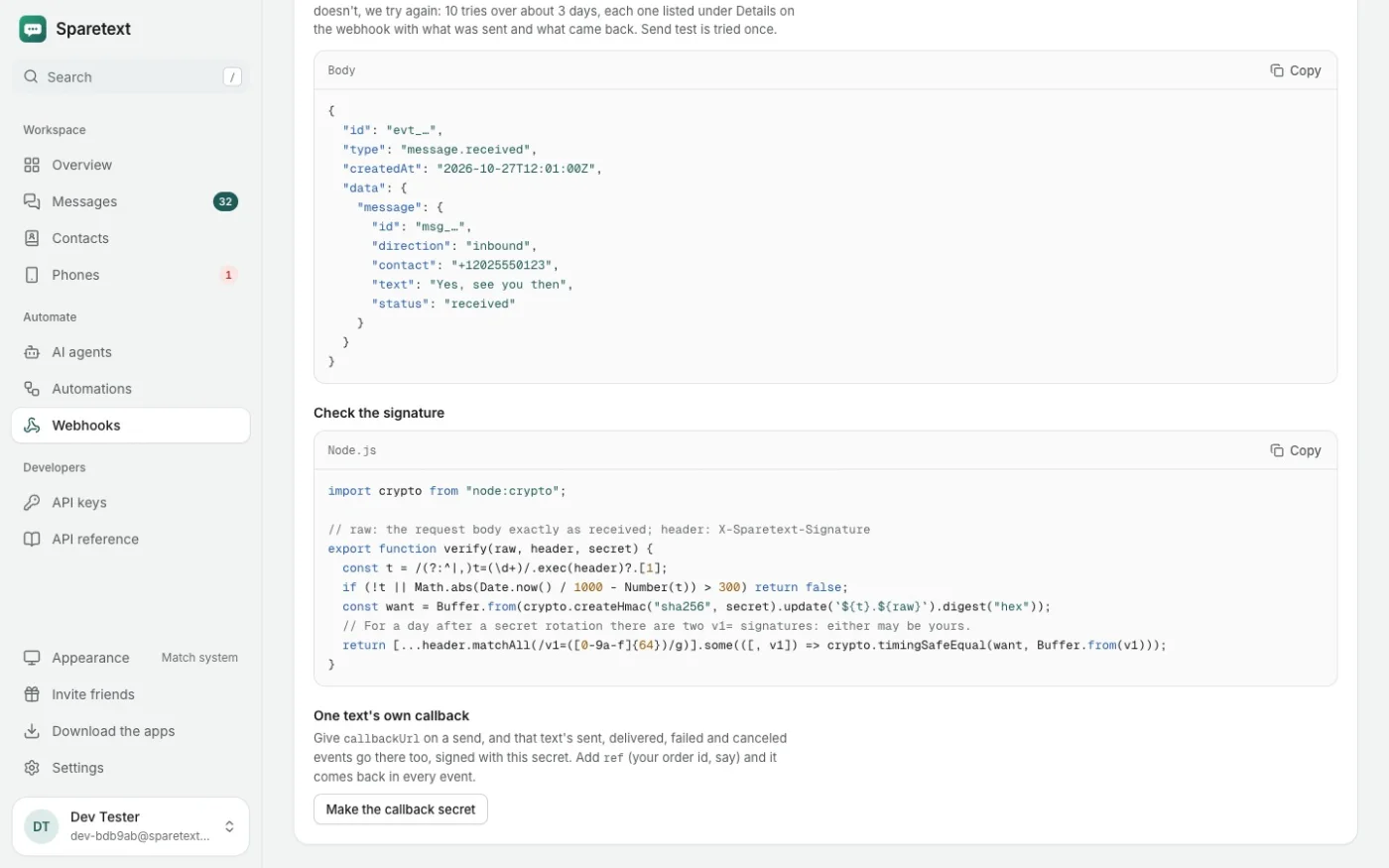
- Patience with webhooks. textbee keeps retrying a failed webhook for up to 30 days. We try 10 times over about 3 days.
Where Sparetext is better
iPhone, and a Mac next to it
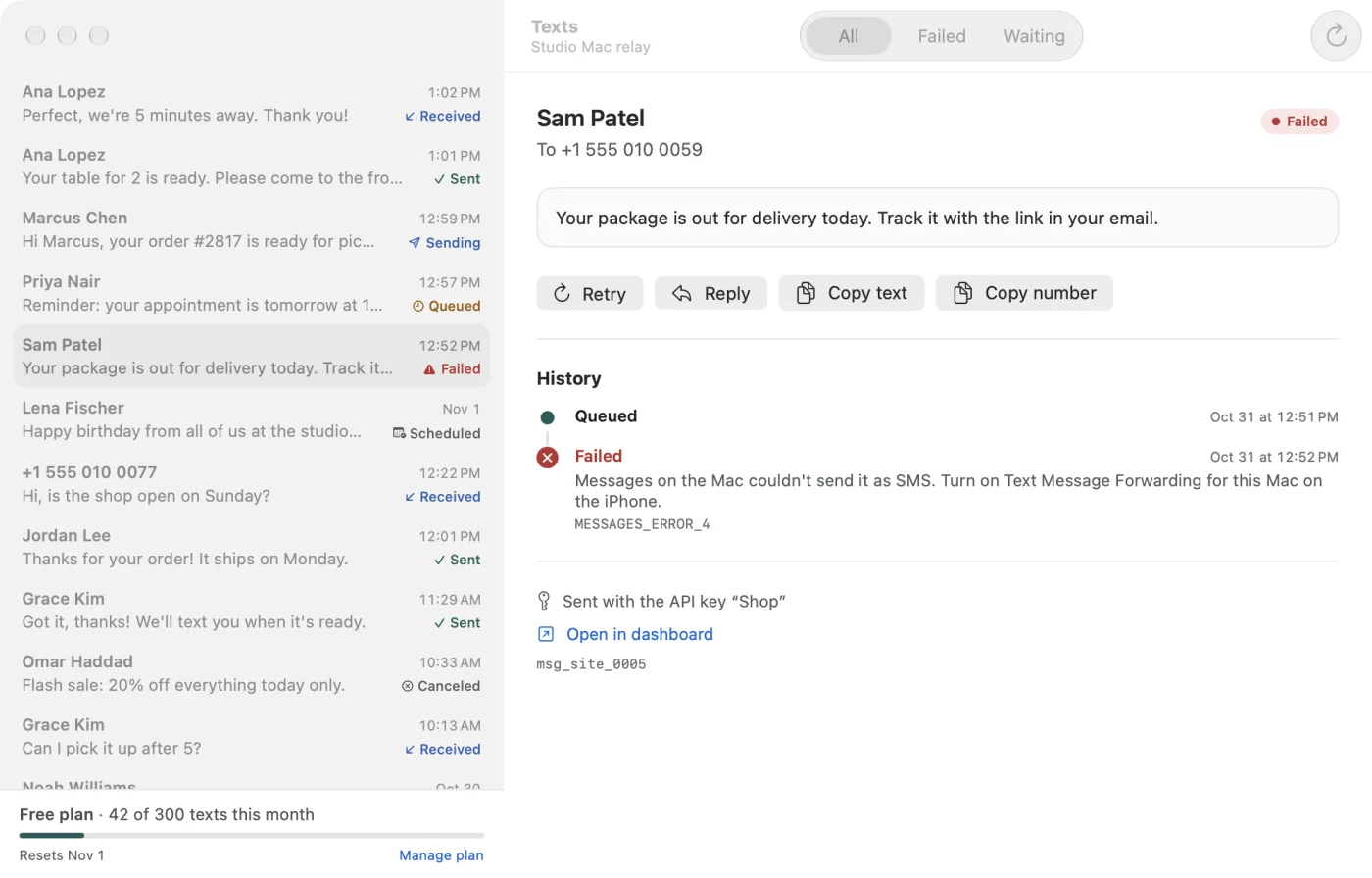
On an iPhone, no app can send a text silently, so we use the three ways Apple does allow. A Mac relay sends through Messages from the iPhone's own number, fully automatic. A Shortcut sends while the Sparetext app is open. And tap to send works on any iPhone. The Mac relay even brings MMS to iPhone owners.
AI agents over MCP
Sparetext is a hosted MCP server. Add it to Claude or ChatGPT as a connector, sign in, and the assistant can text, send each person their own words, wait for a reply and read whole threads. textbee has a hosted MCP server too, with three tools (send_sms, get_messages and list_devices), and you connect it by pasting your key on their page, renewed every 90 days. SMS Gateway publishes a skill file for agents, and we found no MCP server for it or for httpSMS.
The tool I'd point at is wait_for_reply. The agent texts a question and waits for the answer, or for the code inside it, and nobody has to write a webhook. With the others, your agent polls for new messages or your own code catches a webhook.
Knowing why a text failed
On Android, Sparetext tracks every part of a long text and calls it delivered only when every part is. When a carrier says no, the failure names the carrier's reason, like TP-Status 0x46, validity period expired, instead of a bare "failed". textbee now counts a failed report as failed (since version 2.9), httpSMS counts only the last part's report, and SMS Gateway marks the whole text by the first part's.
When the radio refuses a text (airplane mode, no signal, a call in progress), our app holds it and tries again for up to 30 minutes, sending the moment service is back. httpSMS and SMS Gateway report those texts as failed, and textbee's phone retries before it reports a failure (since 2.9).
That limit of 30 parts a minute
Back to the dialog. Sparetext reads the limit your phone actually has, counts every part against it, and takes only what fits. The rest waits on our server as queued until the minute turns. On a real phone, a burst of 50 texts went out with exactly 30 in the first minute, and all 50 were delivered with no dialog and no failures.
The others pace in their own way: textbee waits a fixed 5 seconds between texts, httpSMS sends 10 texts a minute by default and counts texts rather than parts, and SMS Gateway's caps count requests. None of the three counts parts, and long texts are where that bites, since a three-part text uses three of the 30.
A dashboard that says what's wrong
Every text in the dashboard shows where it is, from queued to delivered, or failed with the reason in words. Each Android phone checks in every minute with its signal, mobile service, airplane mode, battery saver and whether Android has restricted it in the background. The Phones page shows the one that matters, like "Battery saver is on". textbee's phone sends a detailed heartbeat every 30 minutes, httpSMS's every 15 minutes, and SMS Gateway's ping is off by default.
Setup is scanning a QR code from the dashboard, one screen of permissions, then steps for your phone maker's battery settings. We have steps for 17 makers, because Xiaomi, Samsung, Tecno and friends each kill background apps in their own creative way.
Where it's a tie
All four let you choose the SIM for each text and schedule texts for later. httpSMS, SMS Gateway and Sparetext send MMS, while textbee is SMS only. SMS Gateway and Sparetext both have sound end-to-end encryption. httpSMS encrypts by passphrase without an integrity check, and textbee's texts travel inside the push message.
What they cost
On price, all four have a free way in. textbee's Free plan is 1 phone and 300 texts a month (50 a day), and Pro is $14.99 a month for 5 phones and 5,000 texts. httpSMS is free for 200 texts a month, or $10 a month for 5,000. Those are their prices as we read them on 30 October 2026. Sparetext's Free plan is 1 phone and 300 texts a month, and Pro is 5 phones and 10,000 texts a month (see Pro's price).
So which one should you use?
- You want to host it yourself, or read and change the code: textbee or httpSMS.
- Texts must never touch a cloud: SMS Gateway for Android, with its server on the phone.
- You need data SMS or SIM rotation: SMS Gateway for Android.
- You have an iPhone, want an AI agent to text and read the replies, or want to know exactly why a text failed: Sparetext.
Still on the fence? Open the full comparison, find the one row you can't live without, and read across it. If that row says Sparetext, sign up and pair your phone. If it says one of the others, go with them, with our blessing.
androidsms gatewaycomparisonsopen source
Try it with the phone you have
Free for 1 phone and 300 texts a month. Pair it in about two minutes.
Responses
Sign in or create an account to respond.