Build an SMS reply bot with webhooks and your own phone
Receive texts as signed webhooks, answer them in a few lines of Node, and see where an automation does the same job with no code at all.
Sparetext
6 min read · Oct 31, 2026
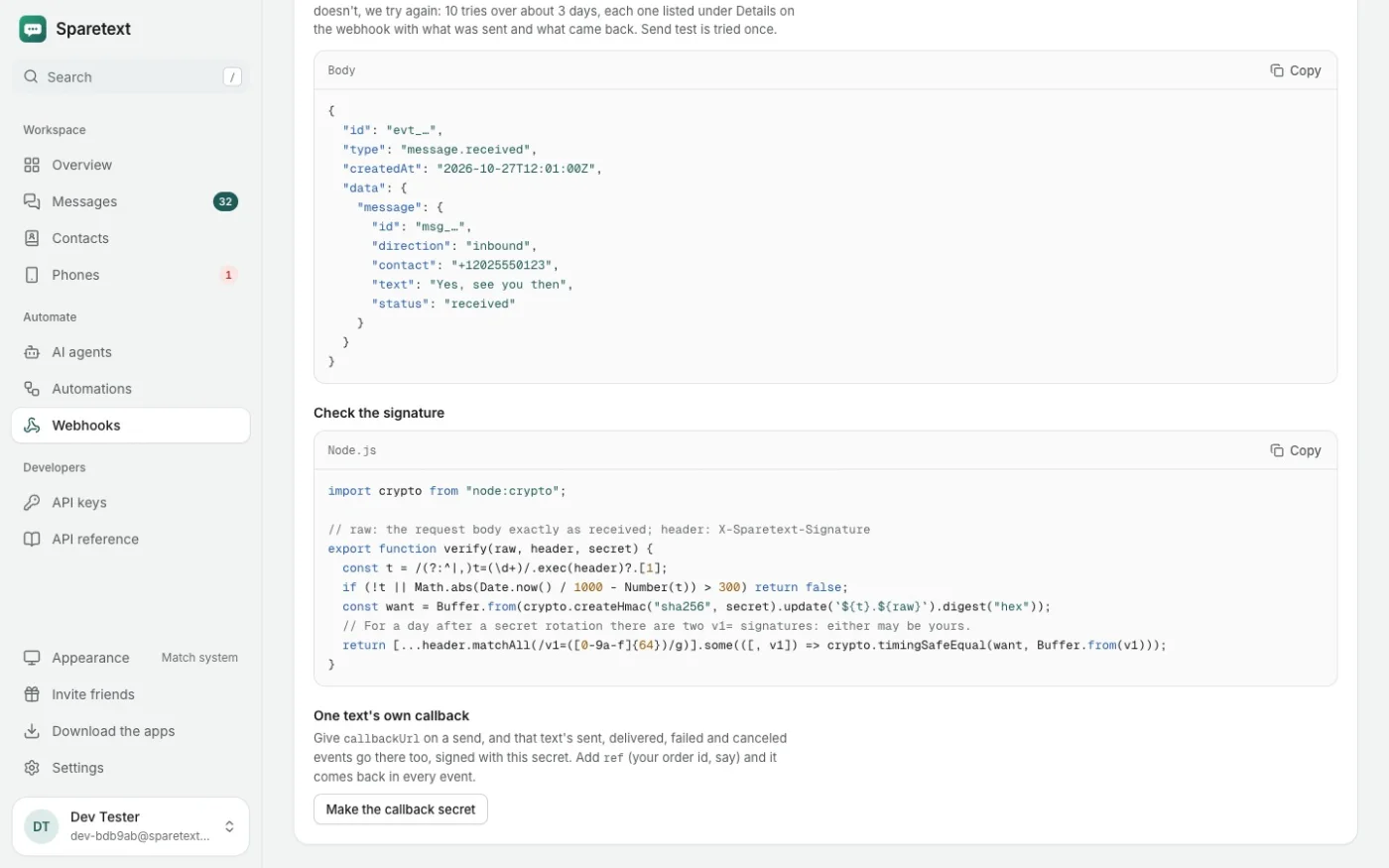
Someone texts your shop "hours?" at 11pm. Your phone is face down on the charger, you're asleep, and the answer is the same one you've typed forty times this month.
A reply bot fixes that, and with Sparetext it runs on your own number, from the phone you already have. The text reaches your server as a webhook, your code decides what to say, and your phone sends the answer. Here's the whole thing in Node, then two shortcuts, the second with no code at all.
How the pieces fit
- Someone texts your phone, and the Sparetext app passes the text on.
- Sparetext posts it to your URL as a signed
message.receivedwebhook. - Your code checks the signature and decides what to say.
- Your code calls
POST /api/v1/messages, and the same phone sends the reply.
An Android phone does all of this by itself. iOS lets no app read texts, so an iPhone does it through Sparetext for Mac, which reads the texts your iPhone forwards to Messages.
Before you start
You need a Sparetext account, a paired phone, an API key from the API keys page, and an https URL on the public internet. Free is 1 phone and 300 texts a month, and only the texts you send count, never the ones you receive.
Step 1: add the webhook
Open Webhooks › Add webhook, paste your URL and keep Text received ticked. On the new webhook, open Details and signing secret and copy the secret to your server. Send test fires a signed ping, so you can check the plumbing before anyone texts.
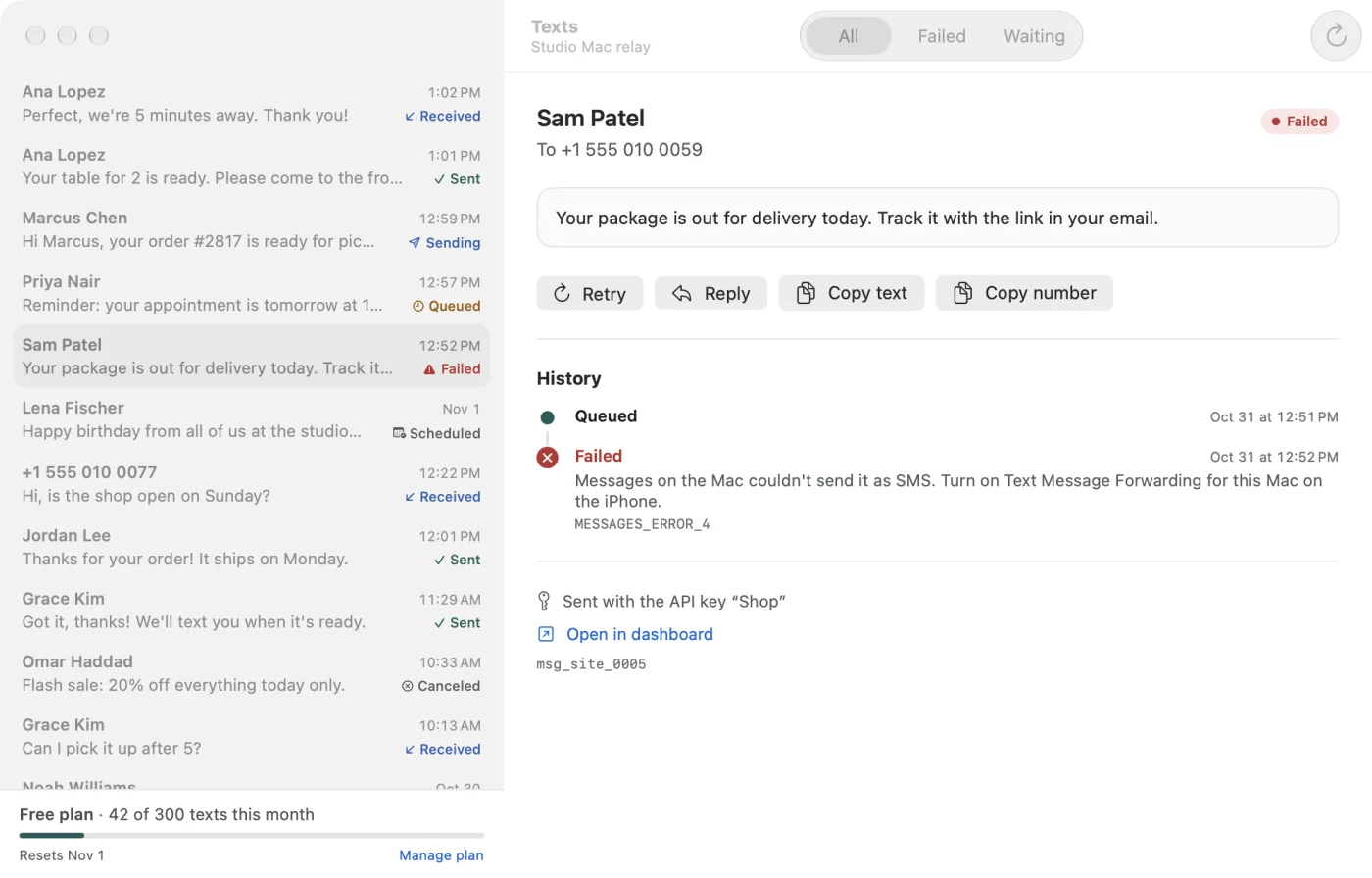
Each text arrives as JSON like this, trimmed to the parts a bot needs:
{
  "id": "evt_q8m2k7x4p9za",
  "type": "message.received",
  "data": {
    "message": {
      "contact": "+15550100042",
      "text": "hours?",
      "deviceId": "dev_a3b2c4d5e6f7",
      "sim": 1
    }
  }
}
Step 2: check it came from Sparetext
Anyone who finds your URL can post to it, so the bot checks every request first. The X-Sparetext-Signature header looks like t=1793438045,v1=9c2f…: a Unix timestamp, then an HMAC-SHA256 of the timestamp, a dot and the raw body, keyed with your webhook's secret.
Three rules keep it honest. Check the bytes exactly as they arrived, before you parse anything. Refuse a timestamp more than five minutes off, so nobody can replay an old request. And accept either v1= value, because for a day after you rotate the secret there are two.
Step 3: answer the text
Here's the whole bot on Node's own http module, with nothing to install. The signature check comes from our webhook guide, where it's tested, and the reply is one call to the API.
import { createHmac, timingSafeEqual } from "node:crypto";
import { createServer } from "node:http";

const SECRET = process.env.SPARETEXT_WEBHOOK_SECRET;
const API_KEY = process.env.SPARETEXT_API_KEY;
const handled = new Set(); // event ids: keep them in your database instead
const lastReply = new Map(); // number → when the bot last answered it

// t=<unix seconds>,v1=<hex HMAC-SHA256 of "t.body">, as in the webhook guide
function fromSparetext(raw, header) {
  header = String(header ?? "");
  const t = /(?:^|,)t=(\d+)/.exec(header)?.[1];
  if (!t || Math.abs(Date.now() / 1000 - Number(t)) > 300) return false;
  const want = Buffer.from(createHmac("sha256", SECRET).update(t + "." + raw).digest("hex"));
  return [...header.matchAll(/v1=([0-9a-f]{64})/g)].some(([, v1]) => timingSafeEqual(want, Buffer.from(v1)));
}

function answer(text) {
  const words = text.trim().toLowerCase();
  if (words.includes("hours")) return "We're open Monday to Saturday, 9am to 6pm.";
  if (words === "book") return "Book a time here: https://example.test/book";
  return null; // anything else waits for a person
}

createServer(async (req, res) => {
  const chunks = [];
  for await (const chunk of req) chunks.push(chunk);
  const raw = Buffer.concat(chunks);
  if (!fromSparetext(raw, req.headers["x-sparetext-signature"])) return res.writeHead(401).end();
  res.writeHead(200).end(); // answer within 5 seconds, then do the work

  const event = JSON.parse(raw);
  if (event.type !== "message.received" || handled.has(event.id)) return;
  handled.add(event.id);
  const { contact, text, deviceId, sim } = event.data.message;
  const reply = answer(text);
  if (!reply || Date.now() - (lastReply.get(contact) ?? 0) < 60_000) return;
  lastReply.set(contact, Date.now());

  try {
    const r = await fetch("https://sparetext.dev/api/v1/messages", {
      method: "POST",
      headers: {
        "x-api-key": API_KEY,
        "content-type": "application/json",
        "idempotency-key": "reply-" + event.id,
      },
      body: JSON.stringify({ to: contact, text: reply, deviceId, sim }),
    });
    // a refusal says why, such as 409 opted_out or 429 key_daily_limit
    if (!r.ok) console.error((await r.json()).error.message);
  } catch (err) {
    console.error(err);
  }
}).listen(3000);
A few lines in there deserve a word:
- It answers 200 straight away and does the work afterwards. Sparetext waits 5 seconds, then counts the delivery as failed and tries again, 10 tries over about 3 days.
- A retry carries the same event id, so the bot skips ids it has handled. The
Idempotency-Keycovers a restart too: for 24 hours, the same key gets the first answer back instead of a second text. deviceIdandsimsend the reply from the phone and SIM the text came in on, so it comes from the number they wrote to. Only Android reports a SIM; from an iPhone it's simply left out.- It answers each number at most once a minute, so it can't get stuck in a loop with another auto-reply.
- It logs refusals. If someone opted out earlier and now texts "hours?", the API answers
409 opted_outand nothing is sent. That's the bot being polite, not broken.
Two auto-replies will happily text each other all night.
The shortcut: let Sparetext send the answer
If your bot can answer within a few seconds, skip the API call. Make an automation instead of a webhook: Automations › New automation, A text arrives, then Call a URL with Text back what it answers turned on.
Sparetext posts the text to your URL, signed with the automation's own secret, and waits up to 8 seconds. Answer with a 2xx and a JSON reply, or with plain text, and Sparetext texts it back from the same phone and SIM. Your bot doesn't even need an API key.
HTTP/1.1 200 OK
Content-Type: application/json

{"reply": "We're open Monday to Saturday, 9am to 6pm."}
Three differences from the webhook. The body is {automation, message}, so the text is at message.text, with no data level. A rule answers the same number at most once a minute, which is the loop guard from above, built in. And the call is tried once, with no retries, so for events you can't afford to miss, keep the webhook too.
In n8n this is a Webhook trigger and a Respond to Webhook node, and the n8n guide shows how to put an AI Agent node in between.
No code at all: keyword replies
Plenty of bots are really just "if the text says this, answer that". For those you don't need a server at all. Open Automations › New automation, choose what to match, and pick Reply.
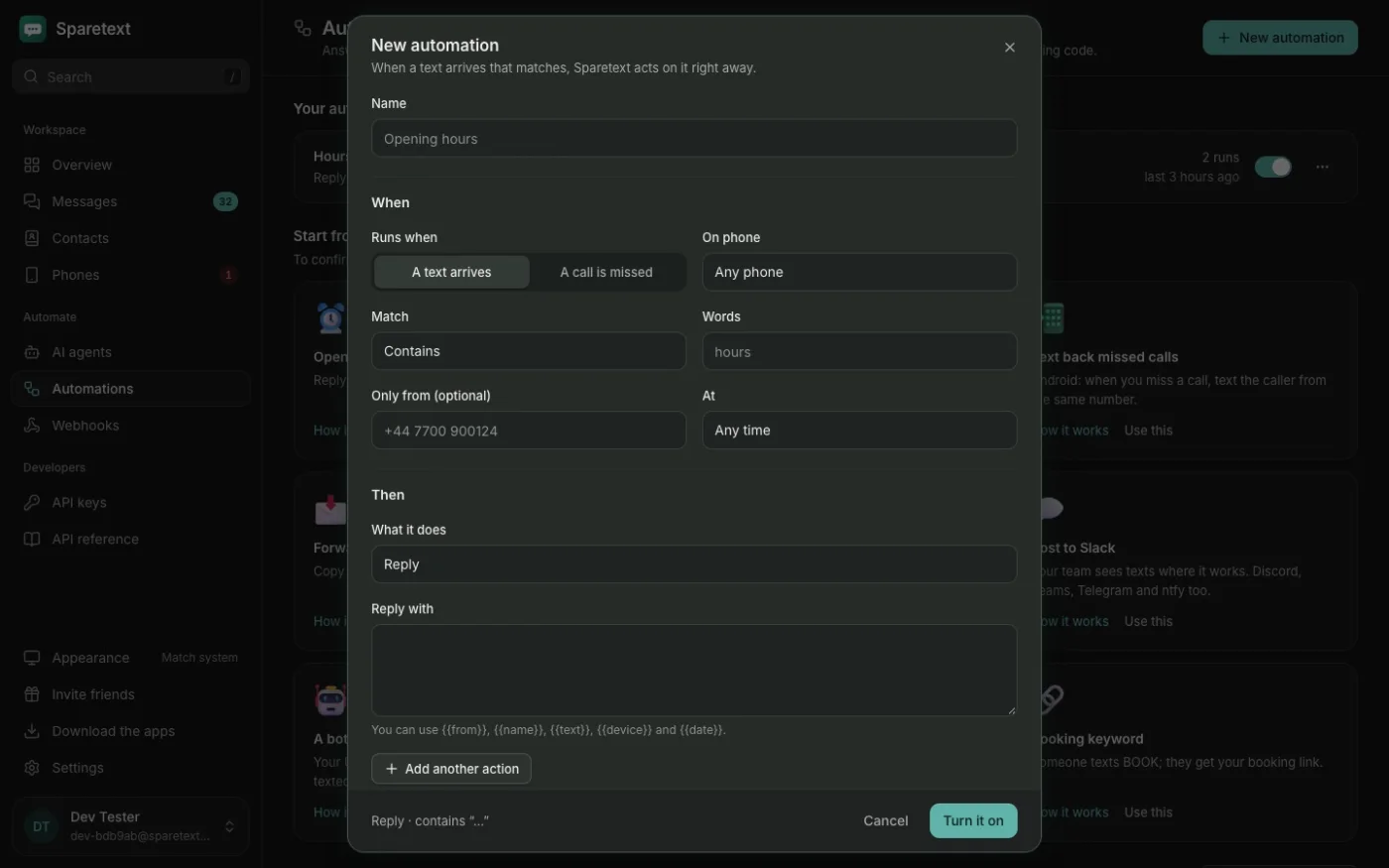
The templates on that page cover the usual ones:
- Opening hours: a text that contains "hours" gets your hours back.
- Booking keyword: someone texts exactly BOOK and gets your booking link.
- After-hours reply: any text outside your hours gets a friendly "we're closed, back at 9".
- Text back missed calls: on Android, a missed call gets a text from the same number.
Matching can be Contains, Is exactly, Starts with, Any text, or a pattern if you like regular expressions. Replies can use {{name}}, {{from}}, {{text}}, {{device}} and {{date}}, and one rule can do up to five things, like reply and email you.
For STOP, START and HELP, don't build your own. Turn on Reply to STOP, START and HELP in Settings › Opted out, and every way people say stop gets a confirmation, from STOP and ARRÊT to "please stop texting me".
Things that will bite you
- RCS chats. If the phone's messaging app has RCS chats on, people who also have RCS may reply as a chat, and chats never reach Sparetext. Turn RCS chats off on the bot's phone.
- Sending hours. If you set hours on the phone, a reply at 11pm waits for them like any other text. Only the confirmation of a STOP goes out at once.
- A private URL. Sparetext won't post to localhost or a private network. Use a public https address, or poll
GET /api/v1/messages?order=ascinstead.
Try it tonight
Pair a phone, set it to save texts from Everyone, and turn on the Opening hours template in Automations. Then text the phone "hours?" from another phone. When the answer comes back, you've built a bot, and the webhook guide is waiting for the day you want the code version.
webhooksautomationstutorialnode.jschatbots
Try it with the phone you have
Free for 1 phone and 300 texts a month. Pair it in about two minutes.
Responses
Sign in or create an account to respond.