How an SMS gateway works: one text, there and back
What happens between your API call and someone's phone buzzing, including the parts that go wrong and how each one tells you.
Sparetext
6 min read · Oct 31, 2026
The first night we left a phone alone with scheduled texts, every one of them went out late. Not by much, up to about a minute, but a one-time code doesn't have a minute to spare.
Fixing that meant looking hard at every step a text takes, from your code to the phone and back. So here's how an SMS gateway works, followed through one text, with the numbers from our own test phone: a Samsung Galaxy M13 with two Ethio telecom SIMs.
1. Your code asks, and the text gets in line
Your code sends POST /api/v1/messages with a number and some words. Before it answers, Sparetext checks that the person hasn't replied STOP and that your key is allowed to text them.
Then it picks a phone: the one you named, or else the phone this person last texted with, so the text comes from a number they know. With neither, it's your default phone.
curl -X POST https://sparetext.dev/api/v1/messages \
  -H "x-api-key: $SPARETEXT_API_KEY" -H "content-type: application/json" \
  -H "Idempotency-Key: booking-1042-reminder" \
  -d '{"to": "+15550100042", "text": "See you tomorrow at 9:30, Dana!", "ttl": 3600}'

# 202 {"batchId": "b_…", "messages": [{"id": "msg_20261031_k3j9x2ab", "status": "queued", …}], …}
That 202 means "got it", not "sent". The text hasn't gone anywhere yet. A text with a send time more than 30 seconds ahead waits on our server as scheduled, and outside the phone's sending hours texts wait as queued until the hours start.
The Idempotency-Key is for when your own code retries. Send the same request with the same key within 24 hours and you get the first answer back, not a second text. The ttl says when the text stops mattering. More on that below.
2. Somebody wakes the phone
A server can't call a phone, so the phone keeps a line open instead. Each one listens on a random private channel at ntfy.sh, and when a text is waiting we post one word there: sync. Never a number, never the words.
Android phones with Google Play services also get a high-priority push from Google, which gets through even when the phone is in deep sleep. Google learns that a phone was woken, never a number or a text.
Wakes get lost, so there's a net under them: an Android phone checks in once a minute anyway. In Android's deepest sleep, that minute can stretch to about nine, which is why the push matters.
Now, the night of the late texts. Neither the phone's minute check nor the sweep we run every five minutes knows that a text is due at 23:00:00 sharp. So each phone now has an alarm on our side, set for the second its next waiting text is due, and when it rings, we wake the phone.
Same Galaxy M13, on battery at 13%: the alarm rang 36 milliseconds after the text was due, the phone sent it 3 seconds later, and the carrier confirmed delivery under 2 seconds after that.
A big send doesn't mean a pile of wakes. A phone is woken at most once every 3 seconds, since one wake is enough to make it come and get what's waiting. A locked iPhone is the odd one out, and it gets its own post.
3. The phone sends it from its SIM
The phone takes the text (now it's dispatched) and hands it to Android's own SMS service, on the SIM you asked for, or else its default. If you asked for SIM 2 and SIM 2 is gone by then, the text fails as SIM_NOT_AVAILABLE rather than going out from a number you didn't pick.
Long texts go as parts. In plain GSM-7 one SMS holds 160 characters, or 153 a part when it's longer. One emoji switches the whole text to UCS-2, which fits 70, or 67 a part, and that's how a single smiley can double your bill. The segment calculator counts before you send.
Android lets an app hand the radio 30 parts a minute. So the phone counts every part, waits for each text's "sent" signal before the next, and only asks us for as many texts as fit.
Right before each hand-off, the phone checks the text's expiry, if it has one. A code that expired while the phone was busy fails as expired and never goes out. For a code, late is worse than never.
Then the radio has its say. No service, airplane mode, a call in progress: the radio refuses, and nothing goes on the air. The phone holds the text and tries again after 15 seconds, 30 seconds, then 1, 2 and 4 minutes, then every 5, and at once when the signal comes back. After 30 minutes it gives up and reports the radio's reason.
4. Sent, delivered, or why not
Sent means the radio accepted it. Delivered means the carrier sent back a status report for every part, so a three-part text is delivered only when all three say so. A report that carries a failure fails the text and names it, like DELIVERY_FAILED: TP-Status 0x46, validity period expired.
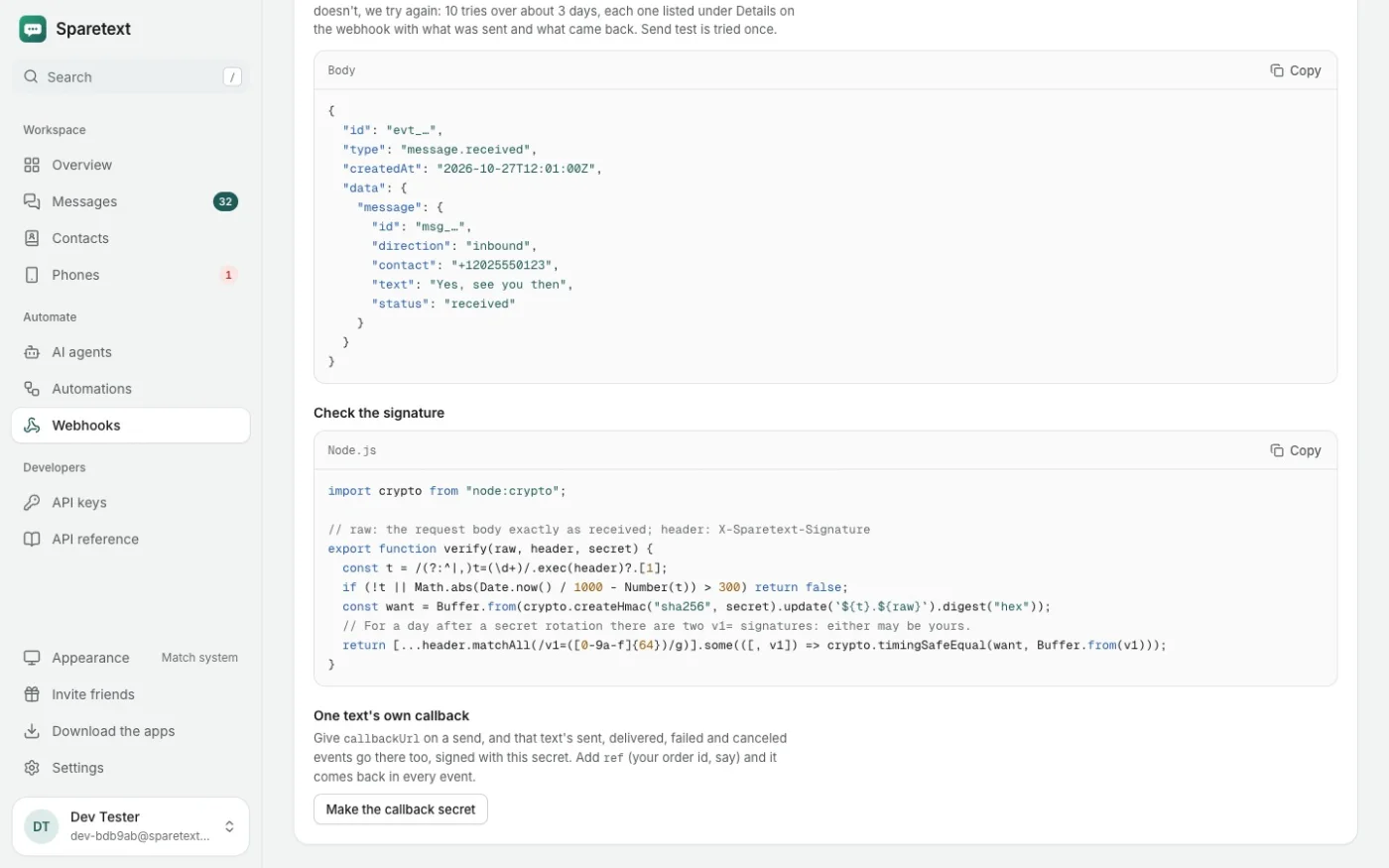
Each of these can reach your server as a signed webhook: message.sent, message.delivered, message.failed. If your server doesn't answer, we try again, 10 times over about 3 days, with the same event id so you can skip repeats.
On an iPhone or a Mac, an SMS stops at sent: carriers' delivery reports reach only Android.
5. When the phone goes quiet halfway
Sometimes a phone takes a text and then nothing. The battery died, Android stopped the app, the answer got lost on bad Wi-Fi. After 10 minutes without a word, the text goes back in line. After three tries, it fails as device_timeout.
So a phone can be handed the same text twice. That's why each phone remembers what it handled in the last 24 hours and reports the old result instead of sending again. Nobody gets the same reminder twice because the Wi-Fi blinked.
What "give up after" means
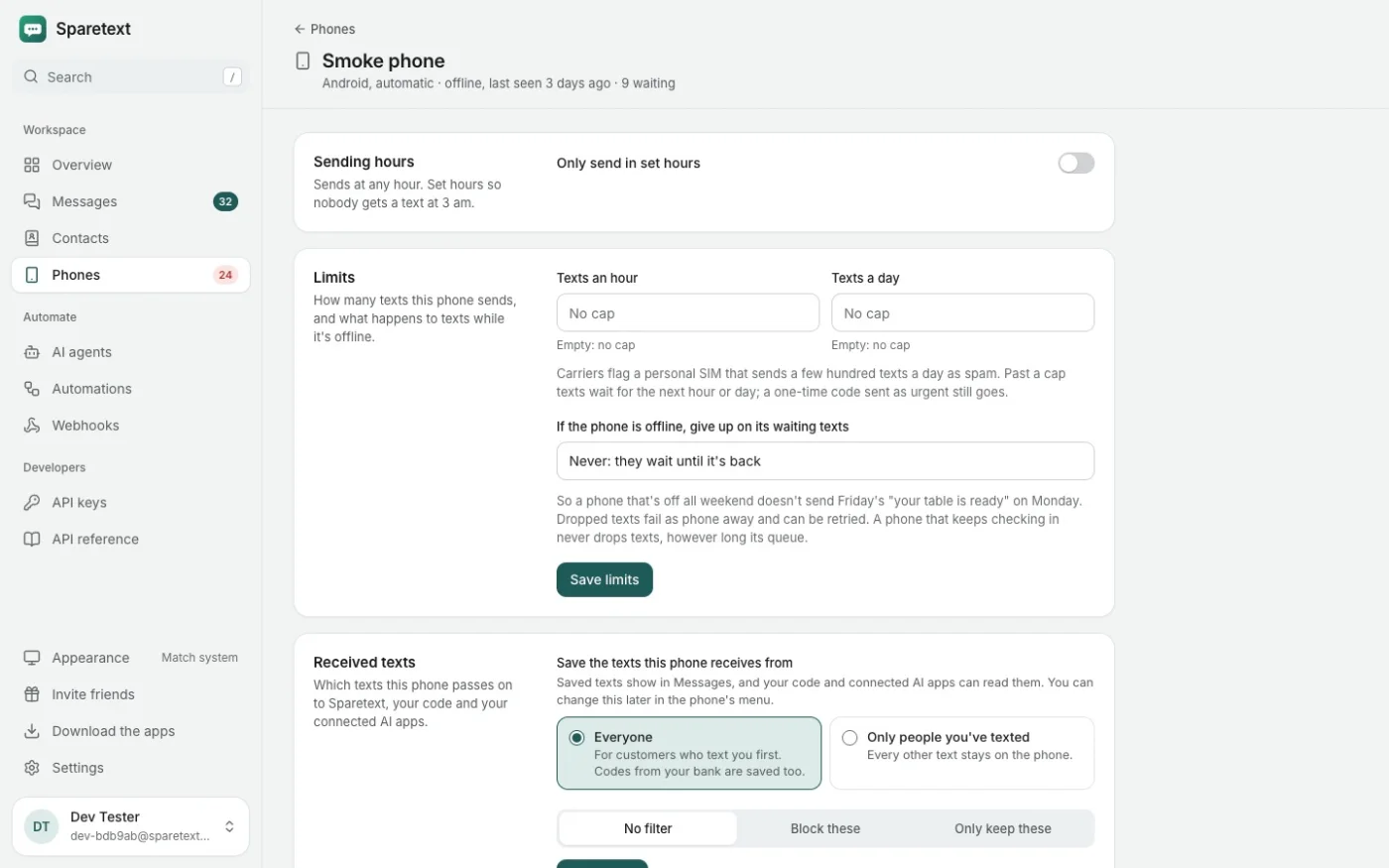
A phone that's off all weekend shouldn't send Friday's "your table is ready" on Monday. So each phone has a give-up time. If the phone has been out of touch that long since a text could first go out, the text fails as phone_away instead of going out late.
You pick it in the phone's settings: never, 15 minutes, 1 hour, 6 hours, 1 day or 3 days. New phones start at a day. The clock is about the phone, not the line: a phone that keeps checking in never loses a text this way, however many are waiting.
For one text that stops mattering, like a code, set ttl instead. If it hasn't reached a phone in time, it fails as expired and is never sent.
Why a text fails, in plain words
Every failed text carries a code for your program and a sentence for you, in the same error field:
{
  "status": "failed",
  "error": "RESULT_ERROR_NO_SERVICE: The phone had no mobile service. Check its SIM and signal, then retry."
}
The same sentence shows in the dashboard, and the API docs list every code. A few you might meet:
RESULT_ERROR_GENERIC_FAILURE: the carrier or the phone refused it. Check the number and the phone's credit or plan.DELIVERY_FAILED: the carrier couldn't get it to the person's phone. Check the number, or retry later.expiredandphone_away: we dropped it on purpose, so it wouldn't arrive late.MESSAGES_ERROR_4: Messages on a Mac couldn't send it as SMS. Turn on Text Message Forwarding for that Mac on the iPhone.
Fix the cause and press Retry, or call POST /api/v1/messages/{id}/retry. The text goes back in line on the same phone while it's on, and the phone treats it as a fresh try.
One more ending, and it's a good one. If someone replies STOP while your texts to them are still waiting, those texts are canceled instead of sent, and the reason says so.
Watch one go
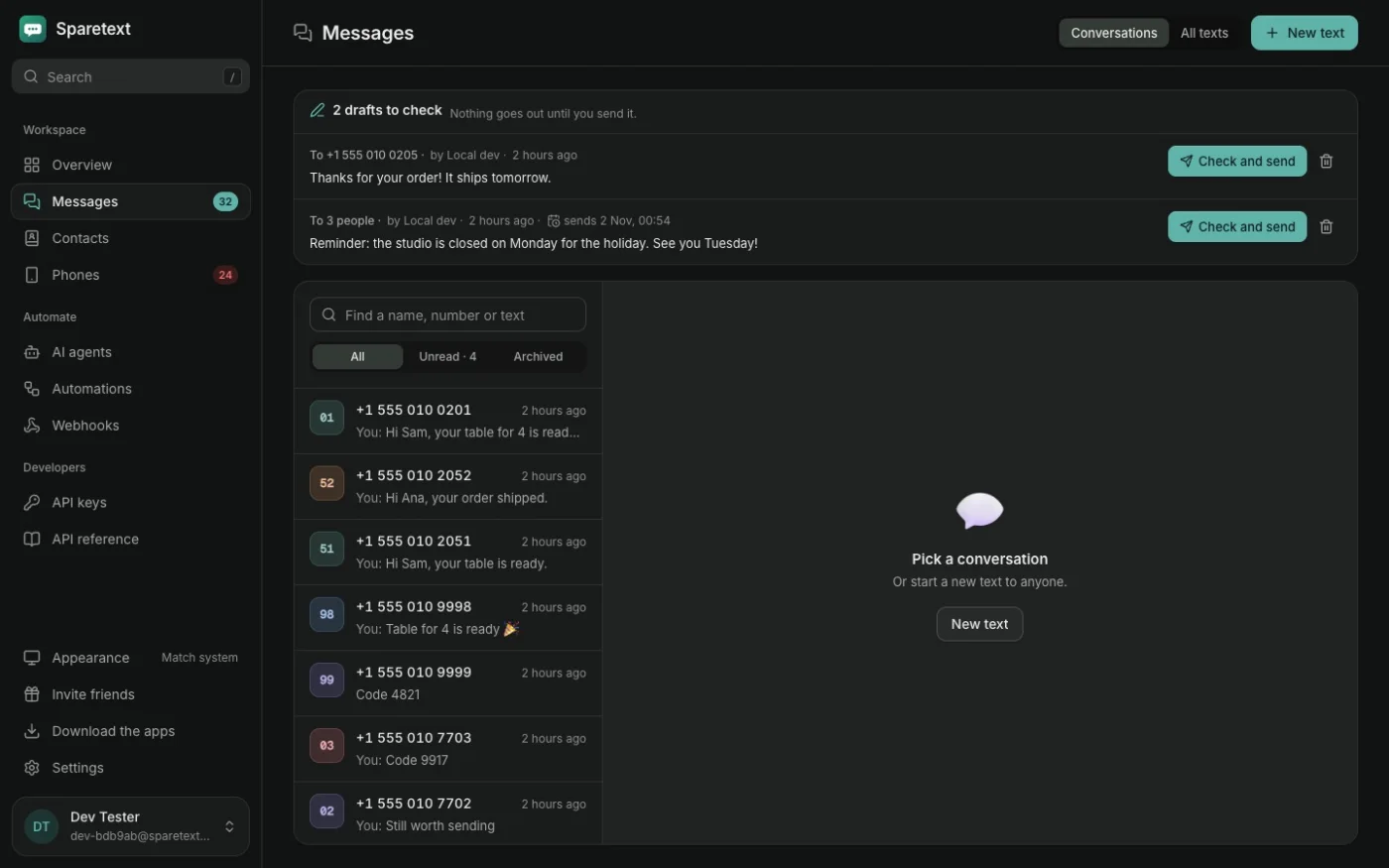
Reading about it is one thing. Get the app from the download page, pair a phone, send one text to your own number with the curl above, and keep Messages open in the dashboard. On Android you'll see it go from queued to sent to delivered in a few seconds.
how it workssms gatewaydelivery reports
Try it with the phone you have
Free for 1 phone and 300 texts a month. Pair it in about two minutes.
Responses
Sign in or create an account to respond.