Send OTP SMS from your own number in two API calls
One-time codes for a small business, from the phone it already has: the Verify API, the limits that keep it safe, and when a big provider is the better call.
Sparetext
6 min read · Oct 31, 2026
The usual road to SMS sign-in codes starts with renting a number from a provider and, in many countries, registering it before your first code goes anywhere. If you're a small business with a few hundred customers, you already own a number they know. It's on the phone in your pocket.
Sparetext's Verify API sends one-time codes from that number in two calls. Here's how it works, the limits that keep it from being abused, and, honestly, when you should pick a big provider instead.
Why codes from your own number
Your customers already have your number saved, so a code from it isn't a text from a stranger. There's no number to rent and no fee per text to us: the SMS goes out on your own carrier plan. And where a sender ID is slow or costly to register, like here in Ethiopia, a local SIM texting local numbers just works.
Each code is one text on your plan. Free is 1 phone and 300 texts a month, Pro is 5 phones and 10,000 texts a month, and pricing has the rest.
Two calls: send a code, check it
The first call texts a code to the number someone typed and answers with an id. Keep the id with the sign-in attempt. When they type the code in, send it to the second call.
# 1. Text a code to the number the person gave you
curl -X POST https://sparetext.dev/api/v1/verify \
  -H "x-api-key: $SPARETEXT_API_KEY" -H "content-type: application/json" \
  -d '{"to": "+15550100042"}'
# → 201 {"verification": {"id": "vrf_…", "status": "pending", "messageId": "msg_…", …}}

# 2. Check the code they typed
curl -X POST https://sparetext.dev/api/v1/verify/vrf_…/check \
  -H "x-api-key: $SPARETEXT_API_KEY" -H "content-type: application/json" \
  -d '{"code": "481920"}'
# → 200 {"valid": true, "verification": {"status": "approved", …}}
The check answers valid: true once. After that the code is spent, so checking it again answers valid: false. Make both calls from your server, never from the page itself: your API key can text from your phone, so it stays out of browser code.
The OTP guide has the same two calls in Python and Node, ready to paste.
What Verify does for you
You could build all this on plain texts, and the guide shows how. Verify just takes the fiddly parts off your plate:
- It makes the code: 6 random digits, or 4 to 10 with
length. - The verification keeps only a hash of the code, never the code itself.
- The code works for 10 minutes, or anything from 1 to 30 with
ttlin seconds. - The words are yours, up to 300 characters, with
{{code}}and{{minutes}}where they belong. - The code jumps the line, ahead of anything already waiting on the phone, like a big send.
- With a
ttlof 15 minutes or less, it also skips the phone's sending hours and caps, which still count it. - If it can't go out before it expires, it's dropped unsent.
That last one matters more than it looks. A code that shows up 20 minutes late is worse than no code: by then the person has asked for another one, and now they have two.
Five tries, then start again
Five wrong codes end a verification. The fifth answers 429 too_many_tries, and the person has to ask for a new code. Six digits make a million combinations, so five guesses is next to nothing.
The other limit protects the people you text. A number gets at most five codes an hour from your account, whoever asks. The sixth gets 429 rate_limited with a Retry-After header, so nobody can use your sign-up form to flood a stranger's phone.
Show both to the person in plain words, like "Too many tries. Ask for a new code in a few minutes." A blank error on a sign-in page sends people away.
STOP still means stop
Codes are texts like any other, so opt-outs apply. If someone once replied STOP to your number, Verify won't text them a code: it answers 409 opted_out until they reply START. Say so on the sign-in page, so they aren't left waiting for a text that will never come.
Sparetext reads STOP the way people really write it. "Please stop texting me", STOP in full-width letters, ARRÊT and UNSUBSCRIBE all count. "Don't stop" and "Stop by at 5" don't, because those are just sentences.
Your key's limits count too
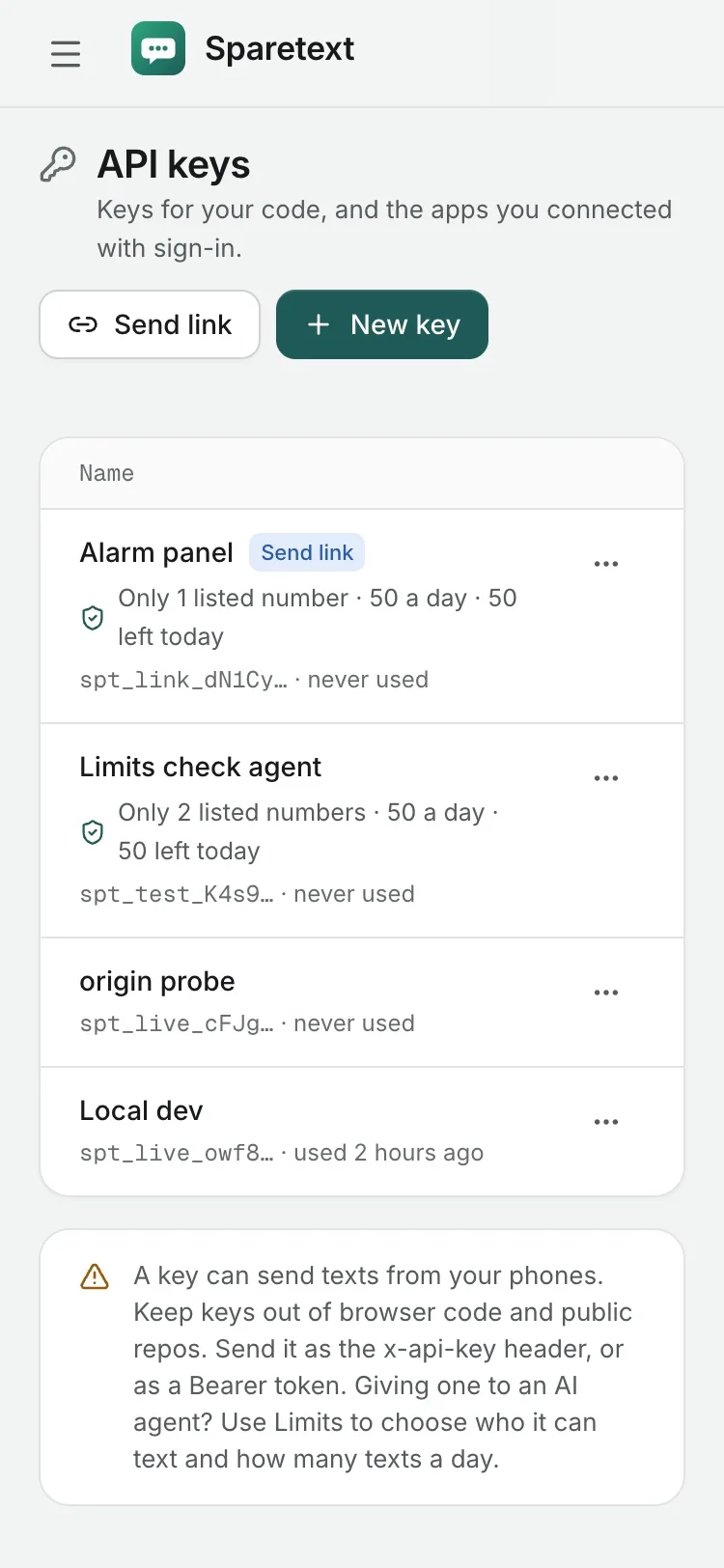
Verify sends with your API key, so the key's limits apply. A key kept to some numbers can only verify those, and its texts a day count every code. A new key starts at 100 a day on Free and 1,000 on Pro, so if a busy day of sign-ups needs more, raise it on the API keys page.
Keep the code to one SMS
The default text, "Your code is 481920. It expires in 10 minutes. Don't share it.", is 62 characters of GSM-7: one SMS. Write your own and watch the apostrophes. "Hi Dana, your code is 481920. It works for 10 minutes. Don't share it with anyone." is one SMS too, but with a curly ’ in Don’t, it's two.
That curly apostrophe, the kind phones type for you, switches the whole text to UCS-2. Turn on Swap look-alike characters in Settings › Sending and Sparetext fixes it for you, or paste your text into the free segment calculator first. Why one emoji can double your SMS has the whole story.
When a big provider is the better choice
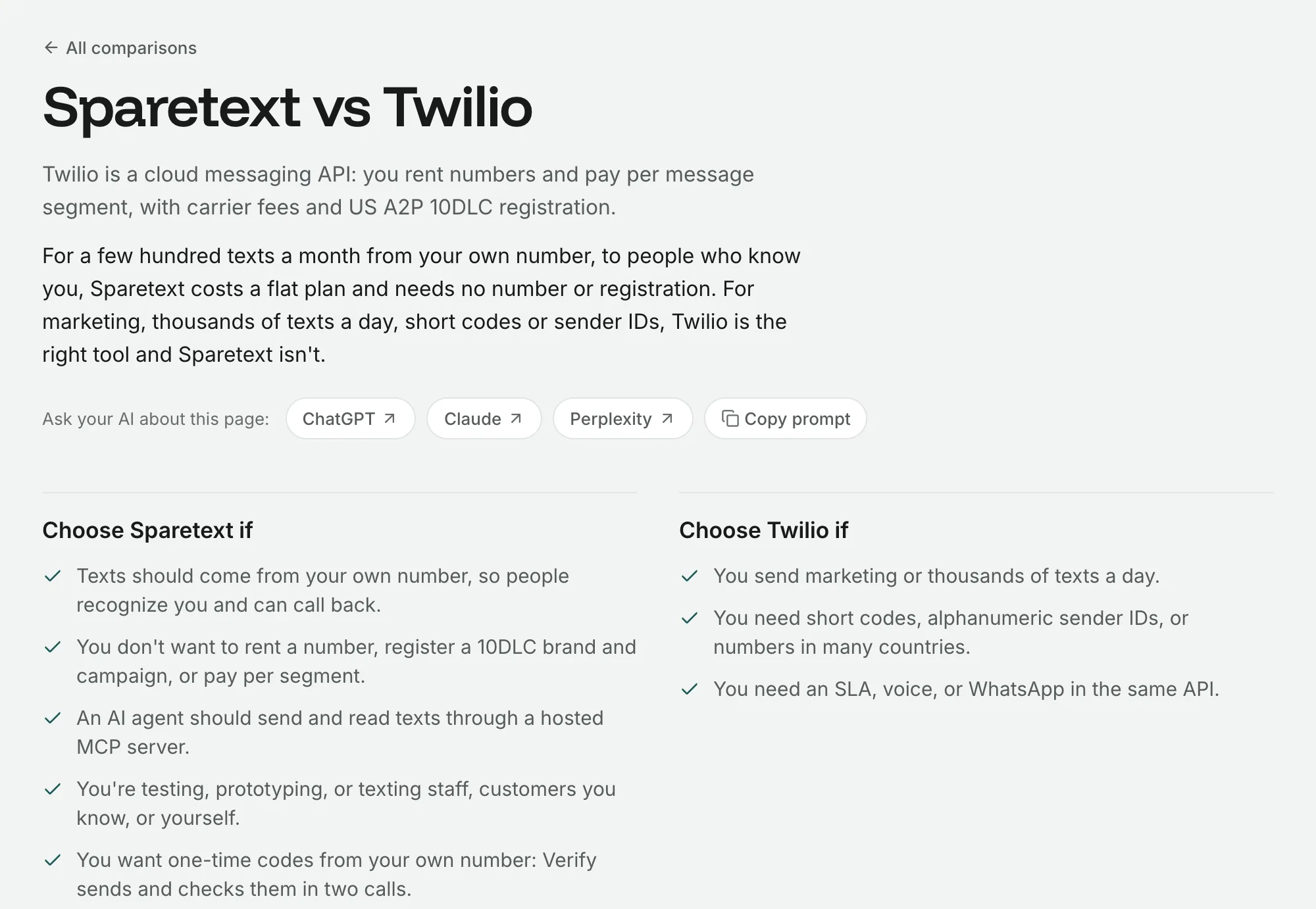
Here's the honest part. Codes your software sends are application-to-person (A2P) traffic, even from a personal SIM. Carriers watch personal numbers for it, and they can filter or block a SIM that sends a lot.
No registration step isn't the same as no rules.
So use a registered SMS provider, or keep one as a fallback, if:
- you send codes to thousands of people a day
- you need a branded sender ID instead of a phone number
- a code filtered at sign-up would cost you real customers
- you text the US at any real volume, where this traffic is meant to go over a registered 10DLC, toll-free or short-code number
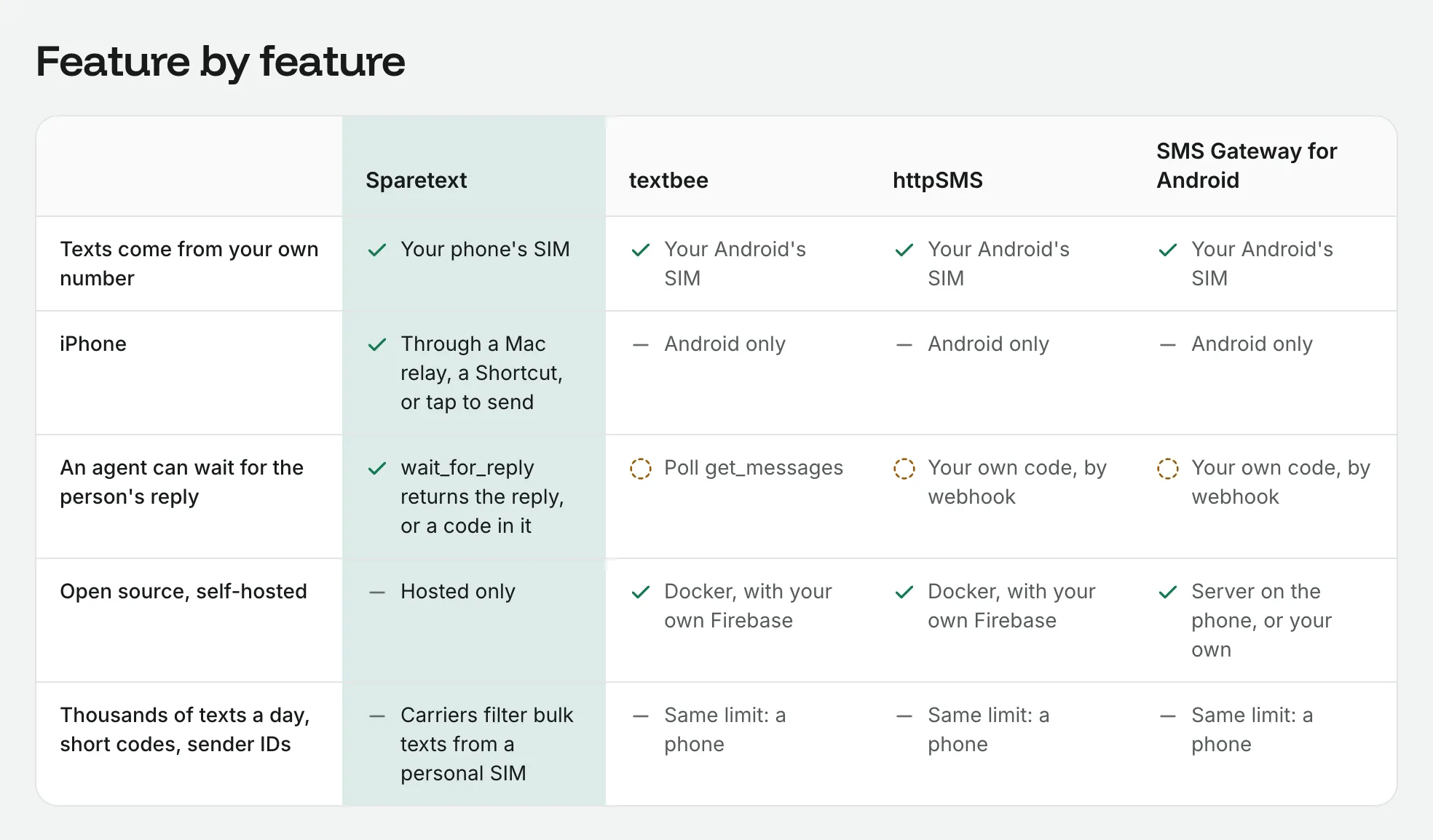
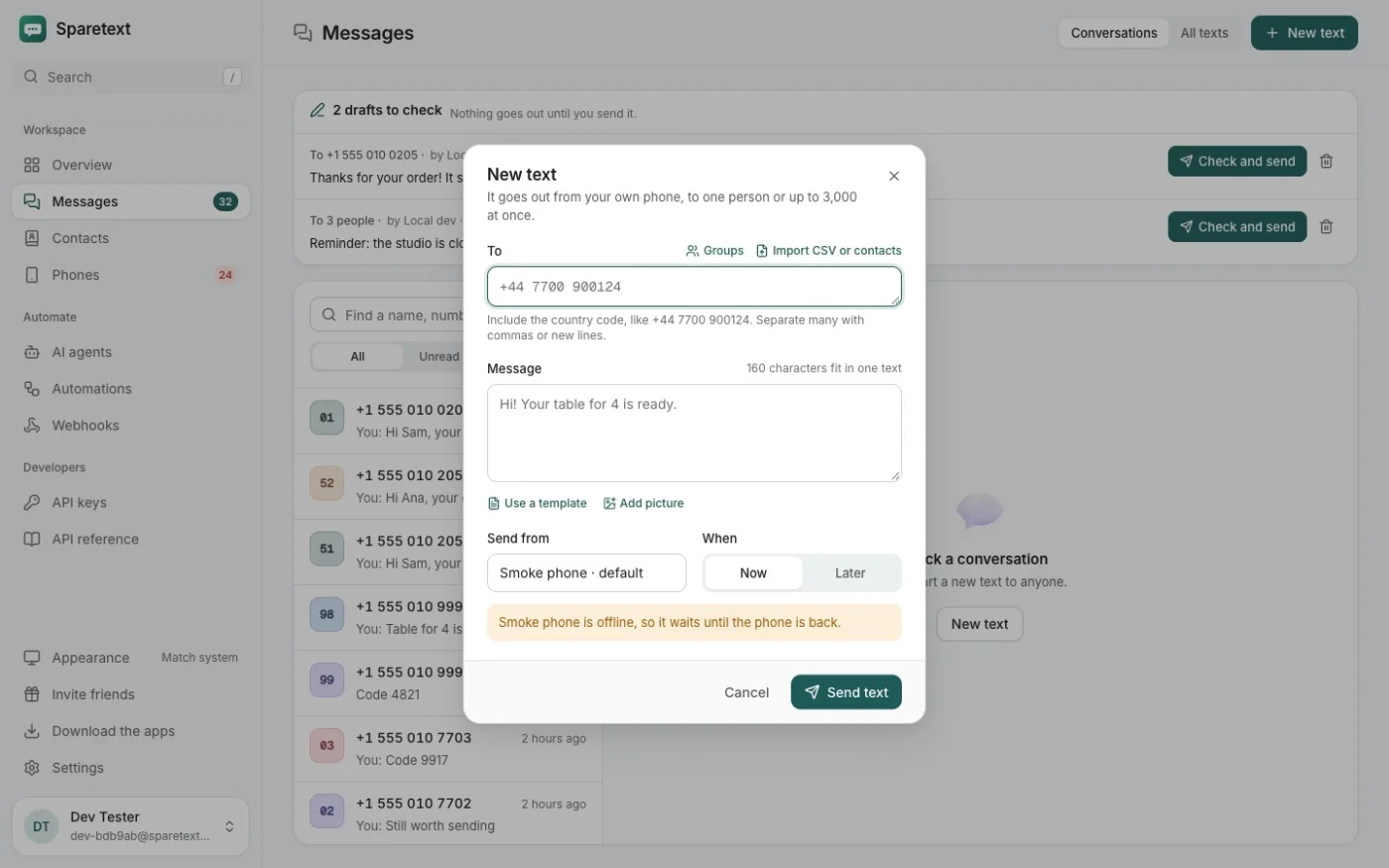
There are physical limits too. Android lets an app send about 30 SMS parts a minute, so a launch-day rush of 500 sign-ups waits in line, even with codes at the front. If the phone is switched off, its codes wait and then expire unsent. And an iPhone sends codes with nobody watching only through Sparetext for Mac.
A big provider wins on volume, on sender IDs, and on not depending on one phone's battery. Your own number wins at the small, personal end: staff logins, internal tools, a young app's first few hundred users, and countries where a sender ID is hard to get.
Clean up after yourself
The text itself still holds the code. It sits in your message history like any other text, and once a check passes there's no reason to keep the words. Set Keep texts' words for in Settings › Your data, and every text's words go after 30, 90 or 365 days, while who, when and the status stay.
For one text right away, POST /api/v1/messages/{id}/redact with the verification's messageId removes its words. That call needs a key without limits.
Send your first code
Make a key on the API keys page, keep it on your server, and run the first call above with the number of a second phone you have handy. When the code arrives, send it to the check call and watch it answer valid: true.
otpverify apitwo-factorsmall business
Try it with the phone you have
Free for 1 phone and 300 texts a month. Pair it in about two minutes.
Responses
Sign in or create an account to respond.