Keep the SMS code you already wrote: this week in Sparetext
Code written for the 2010-04-01 Messages API now sends from your own phone after you change the host and the key. Plus a webhook that said no in Spanish, and a warning for keys sitting in web pages.
Sparetext
5 min read · Nov 23, 2026
Last week a new account's webhook answered every single delivery with the same two words: "Firma inválida". Invalid signature, in Spanish. And our delivery log, trying to help, told them to check their server's login or its allow list. Wrong door. Their login was fine. Their server just didn't like how the request was signed.
That one is fixed, and I'll come back to it. But it got me thinking about everyone who already has SMS code that works, and who would have to rewrite it just to try Sparetext. Most people won't, and honestly, I wouldn't either. So the big thing this week is about not rewriting anything.
Change the host and the key, keep the rest
A lot of SMS code out there calls a Messages API with an address like /2010-04-01/Accounts/{AccountSid}/Messages.json. If yours does, you'll recognise it straight away. Sparetext now answers that API at those same paths on sparetext.dev. You change the host, put your Sparetext API key where the auth token was, and the text leaves from your own phone instead.
curl -X POST https://sparetext.dev/2010-04-01/Accounts/$ACCOUNT_SID/Messages.json \
  -u "$ACCOUNT_SID:$SPARETEXT_API_KEY" \
  --data-urlencode "To=+15550100012" \
  --data-urlencode "Body=Your table for two is ready, Maya"
The AccountSid in the address isn't checked, so the one already in your code can stay. If you never had one, any value starting with AC works. The official Node and Python libraries for that API both let you set the base URL, so in code it really is one line plus the key. We tried both against a pretend phone before shipping it.
Here's the part I like. Your old code names a From number, and that number belongs to some other service, not to you. We don't refuse it. The text goes from your phone the way any send would, and the answer tells you which number it really left from.
Trying Sparetext with code you already have should cost a minute, not a weekend.
It's the whole Messages API, not just send
We started with send and fetch on Saturday morning. By the evening the rest was in, because a half API is the kind that breaks your script on the second call:
- List your texts, newest first, filtered by To, From or the day they went, with the paging the official libraries follow on their own.
- Cancel a text that's still waiting, or remove a sent text's words.
- Delete a text and its pictures. One that's still on its way says so instead.
- StatusCallback hears sent, delivered, failed or undelivered, and canceled, with the same form fields and the same signature header your code already checks. It's signed with your callback secret from the Webhooks page.
- Errors come back with the same numeric codes, so code that checks for an opted-out number or a bad To keeps working.
The limits are exactly the ones on our own API: your plan's month, each key's caps, the opt-out list and the send rate. It's the same queue underneath, just a different door.
Incoming texts can go to the handler you already have
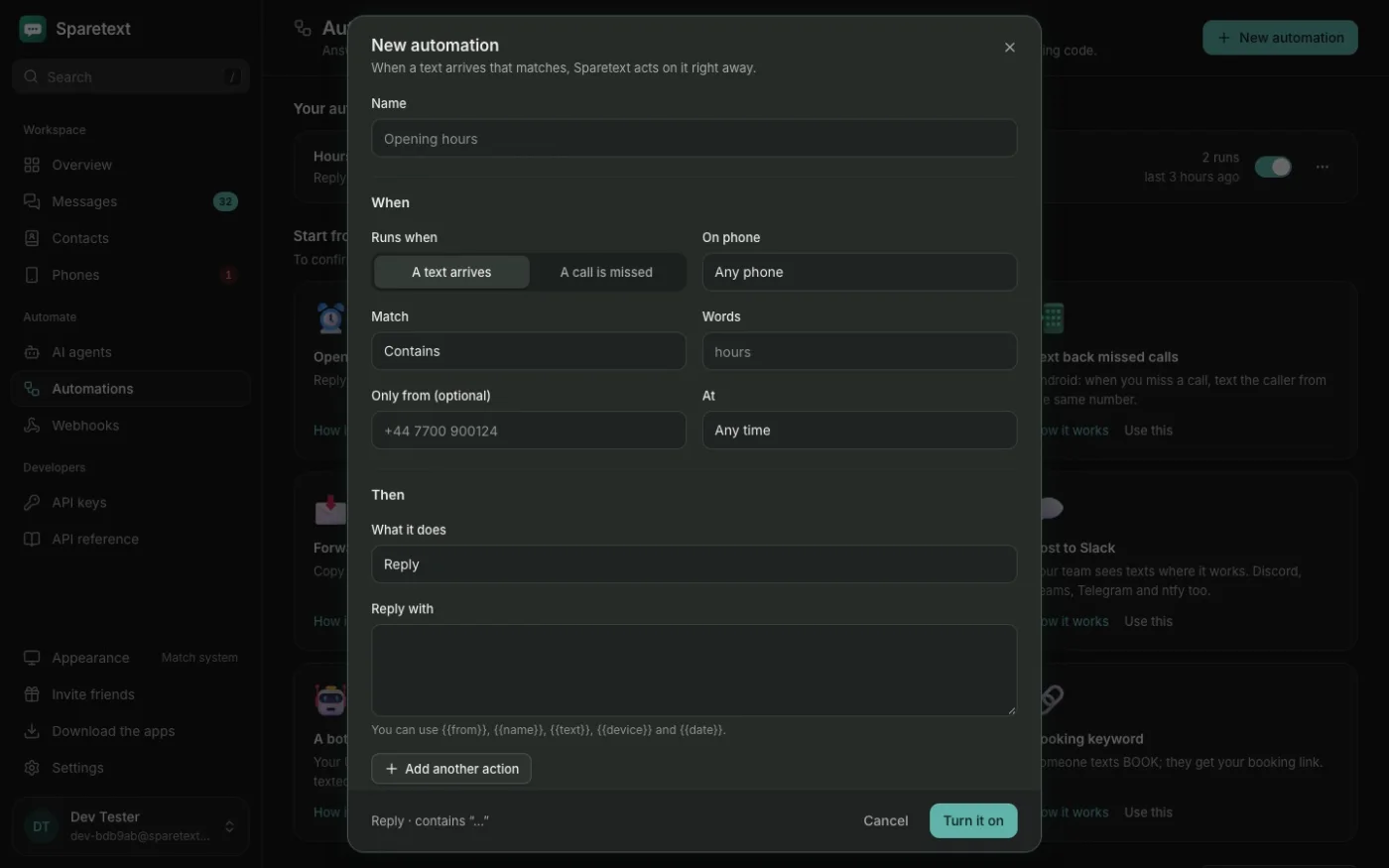
Sending is half of it. If you have a small server that answers incoming texts, it expects them in a certain shape. In Automations, Call a URL now has a handler format that posts each text that comes in with those same fields (From, To, Body, the picture links) and signs it the same way. Turn on "text back what it answers", and when your handler replies with its usual XML and a message inside, Sparetext texts that back to the person who wrote. Up to three messages, to the sender only.
Every field, code and limit is in the API docs.
A webhook bug that hit everyone
While testing all this I found something embarrassing. A phone that was offline for a bit catches up in one go: it reports a text as sent and delivered at the same moment. We moved the text straight to delivered and never announced the sent step in between. So if you listened for message.sent webhooks, you quietly missed those texts. Now the sent step goes out first, then the final one, every time.
When your server refuses the signature, we say so
Back to "Firma inválida". When your server answers a delivery with 401 or 403 and its answer mentions the signature, in English, Spanish, German or Portuguese, the delivery log now says your server refused the signature. It points you at this webhook's signing secret (it starts with whsec_, and it isn't an API key) and reminds you what gets signed: the timestamp, a dot and the raw body. The email we send when a failing webhook is paused quotes your server's own answer and gives the same hint.
A key in a web page gets a warning
A founder posted about finding their payment keys in their own site's JavaScript. It happens because some build tools put certain settings into the page on purpose. The same thing can happen with a Sparetext key, and then anyone who opens the page can copy it and text from your phones.
So now, when a public web page calls Sparetext with one of your keys, the API keys page puts a warning on that key's row until you revoke it, and Overview shows a banner for 30 days. A page on your own computer counts as a test, so that warning fades after a week. The fix is always the same: call Sparetext from your server, make a new key, revoke the old one.
Smaller things
- Every public page has a plain Markdown copy for AI agents that read the web, at its address plus .md, like /pricing.md. They get the words without the menus.
- After a security review on Friday, a connected app or a key with limits can no longer read your list of keys, and a send-only key can't read your groups or opt-outs.
- An automation pattern that could make our server think forever, like (a|ab)*, is refused when you save it, with a note saying why.
Try it with code you have
Find a script that sends a text today. Make a key on the API keys page, change the host to sparetext.dev, put the key where the token was, and run it with your phone connected. If it doesn't work the first time, reply to any of our emails and tell me which call broke. And if you missed last week's post, that's the one where two AI agents got let loose on our dashboard.
what's newapiwebhookssecurity
Try it with the phone you have
Free for 1 phone and 300 texts a month. Pair it in about two minutes.
Responses
Sign in or create an account to respond.